
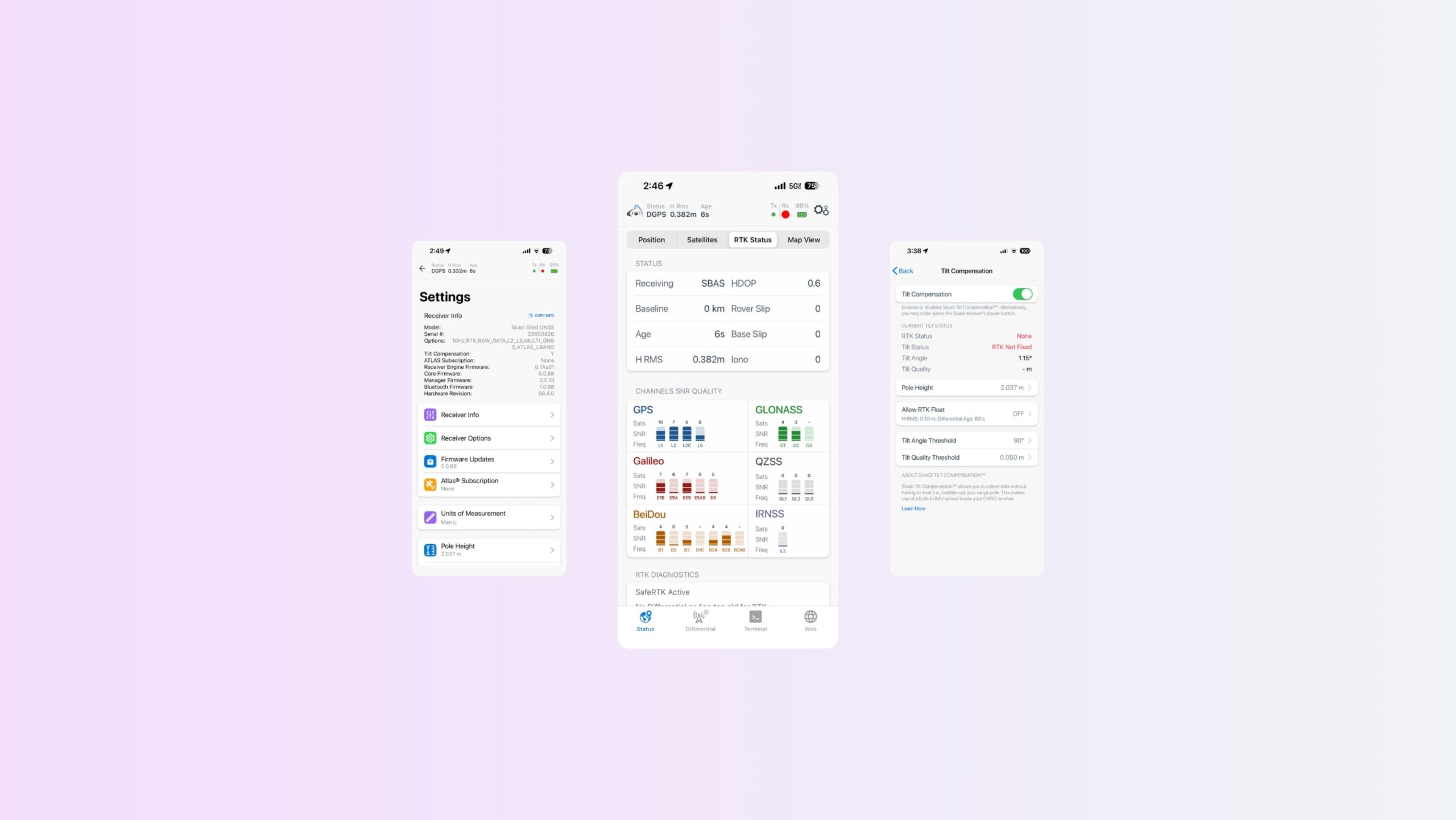
This guide walks you through every page of Eos Tools Pro for iOS. You’ll get an overview of the app’s screens, menus, settings, and features.
Learn what key GNSS indicators mean, how to interpret satellite, RTK, and positioning information, and where to find important receiver diagnostics.
You’ll also explore app features including RTK configuration, alarms and notifications, Skadi® Smart Handle and Skadi Tilt Compensation settings, firmware management, and receiver configuration options.
Begin the App Walkthrough:
Explore Related Items

Starlink for RTK: How Starlink Is Transforming RTK GNSS Connectivity for GIS Field Operations
Starlink is changing the game for field GIS operations. Using Starlink for RTK connectivity is eliminating dead zones via reliable satellite internet. Learn how Starlink helps maintain RTK Fix, improve productivity, and enable survey-grade accuracy virtually anywhere on Earth.
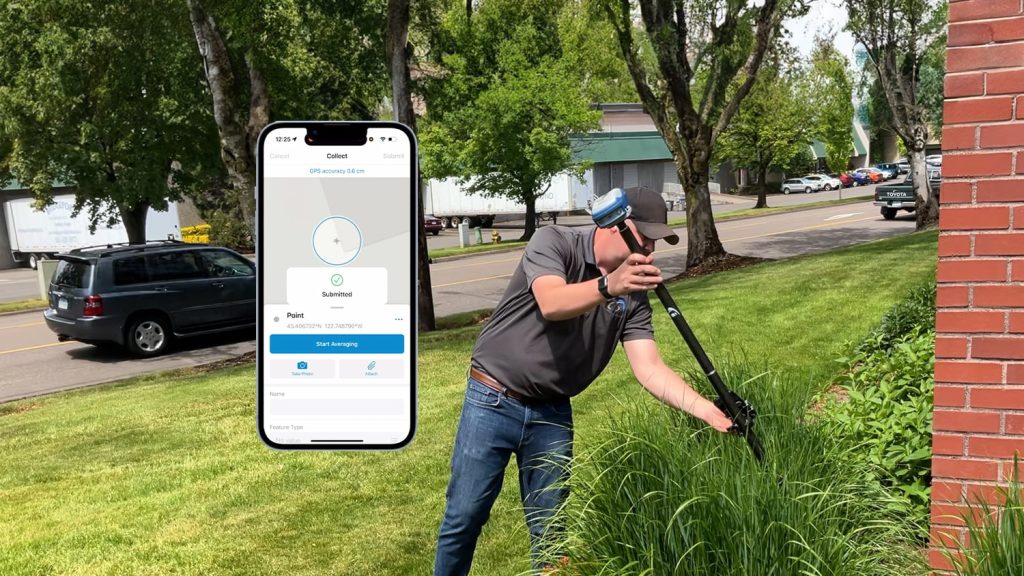
Skadi Tilt Compensation™ Field Demonstration
In this field demonstration, Tyler shows you how to enable Skadi Tilt Compensation™ and use it in a variety of challenging GNSS environments where being able to tilt your range pole improves field work.