
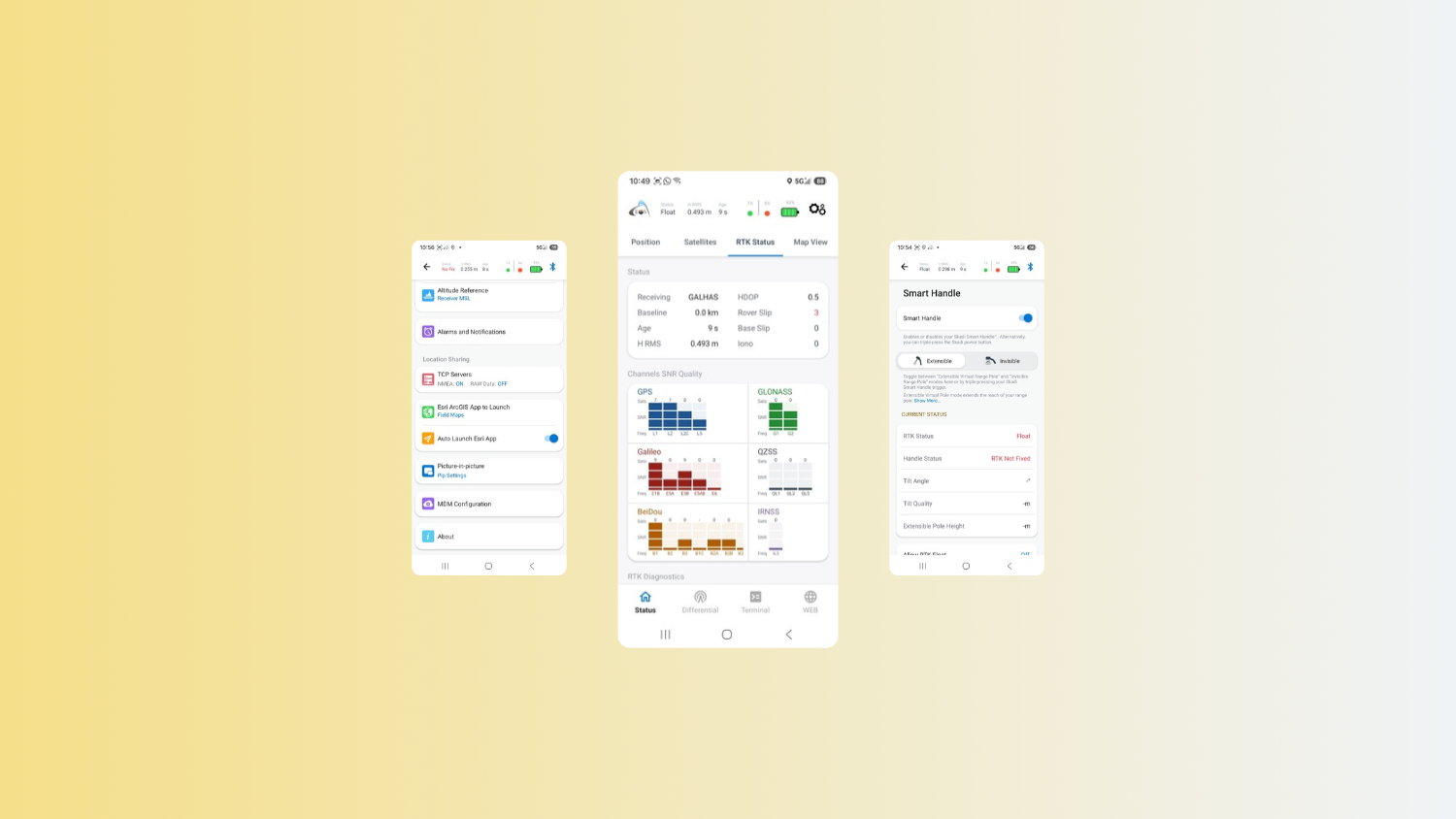
This guide walks you through every page of Eos Tools Pro on Android devices. You’ll get an overview of the app’s screens, menus, settings, and features. While we captured our screenshots on an Android phone, Android tablet users will see extremely similar screens.
Learn what key GNSS indicators mean, how to interpret satellite, RTK, and positioning information, and where to find important receiver diagnostics.
You’ll also explore app features including RTK configuration, alarms and notifications, Skadi® Smart Handle and Skadi Tilt Compensation settings, firmware management, and receiver configuration options.
Flip Through the App Walkthrough:
Or Scroll the Entire App Walkthrough:
Explore Related Items
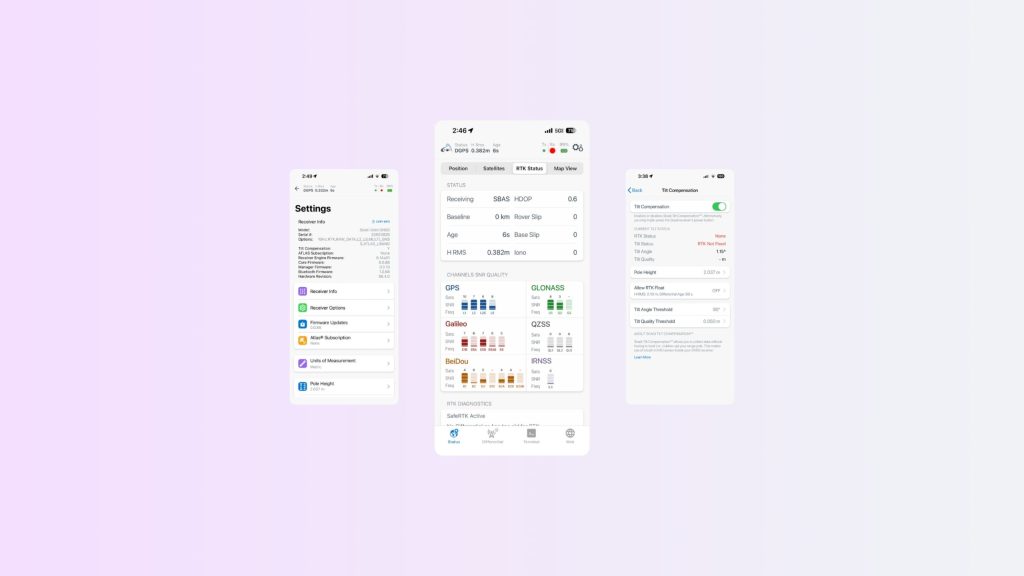
Eos Tools Pro for iOS: Complete App Walkthrough
This guide walks you through every page of Eos Tools Pro on iOS devices. You’ll get an overview of the app’s screens, menus, settings, and features.
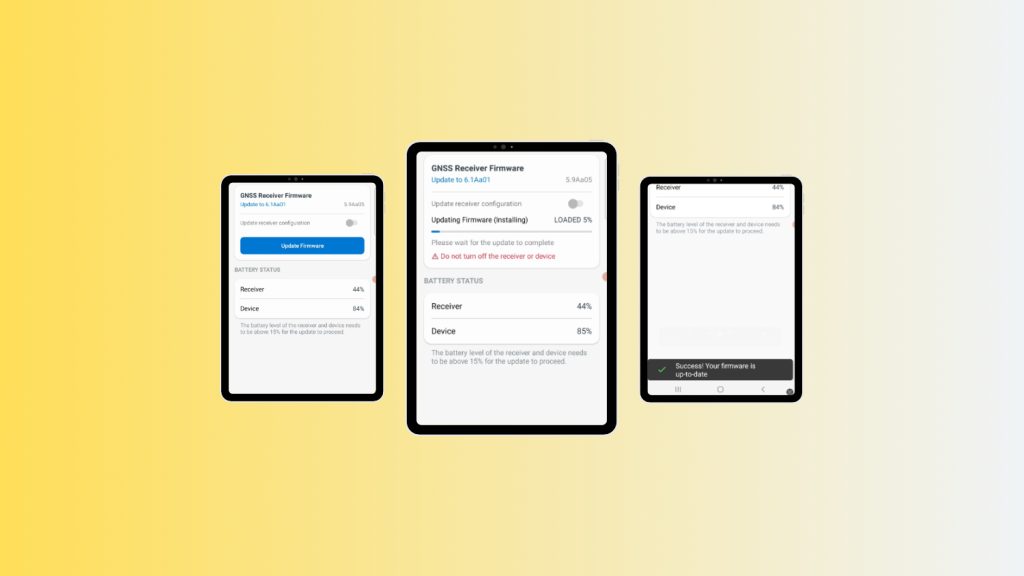
How to Update Your Arrow GNSS Receiver Engine Firmware Over The Air on Android
Update your Arrow Series® GNSS receiver firmware over the air using Android and Eos Tools Pro. This step-by-step guide shows how to pair your receiver, install the latest GNSS firmware update, and verify a successful OTA upgrade in just a few minutes.