
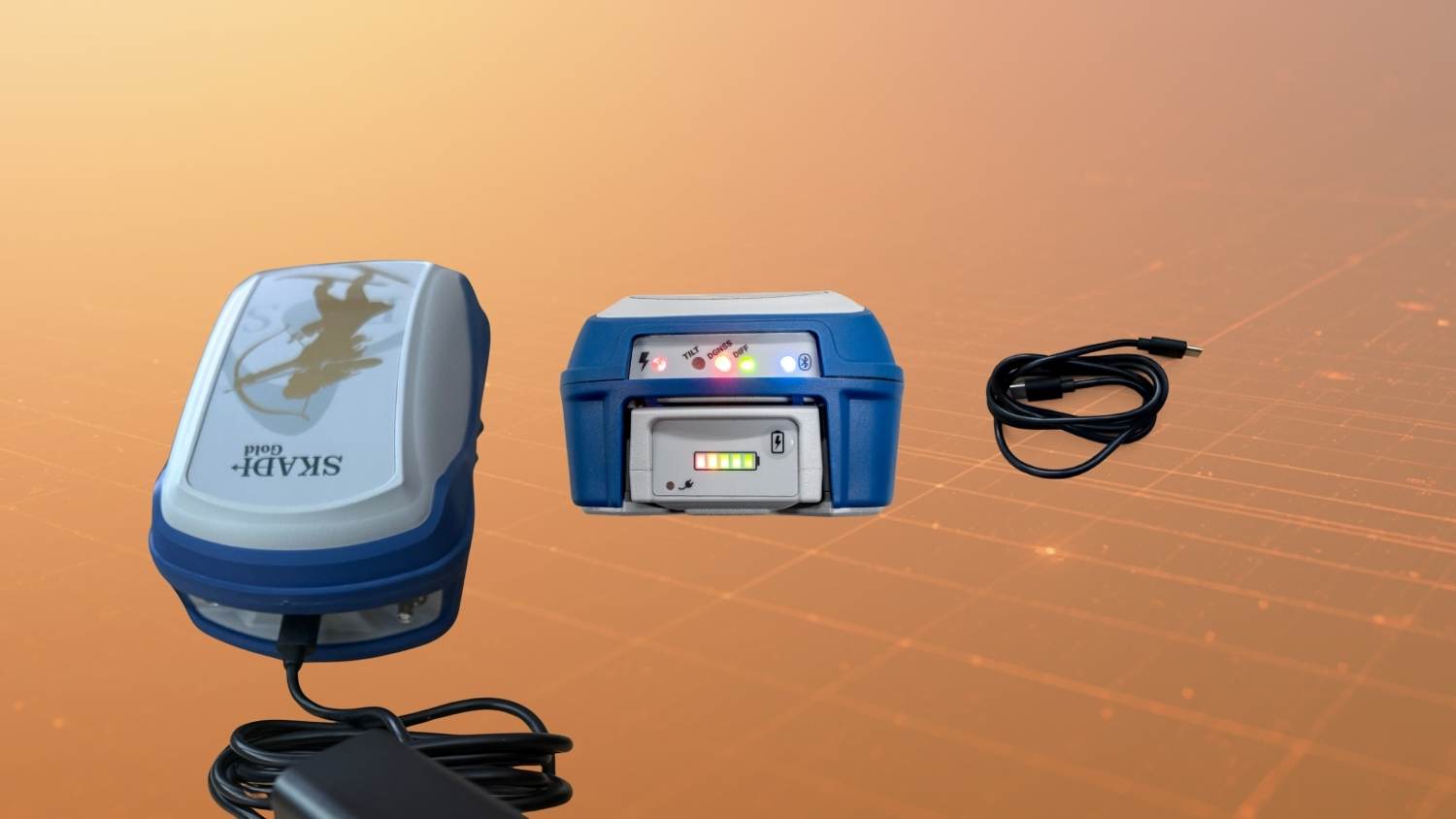
Keep your Skadi Series™ GNSS receiver performing at its best with this streamlined Skadi battery care and troubleshooting guide, designed for users of Skadi GNSS receivers. This reference guide covers essential Skadi battery maintenance and troubleshooting, including best practices for storing and charging your battery, optimizing Li-Ion battery performance, and ensuring the consistent, long-term operation of your battery. Follow these maintenance practices to extend your battery life and reliability. Still need help after reading the guide? Don’t hesitate to contact our technical support team.
Skadi Battery Care & Maintenance
Familiarize yourself with the below best practices to ensure long-term high performance of your Skadi battery:
| Category | Topic | Recommendation |
|---|---|---|
| Battery Storage | Battery Removal | Always remove the battery from the Skadi GNSS receiver or handle for long-term storage. |
| Battery Storage | Long-Term Storage Charging | Recharge batteries every 3 to 6 months during long-term storage. Maintain a minimum of 40% charge at any given time. |
| Battery Storage | Storage Environment | Store batteries in a cool, dry environment away from extreme heat or freezing temperatures. |
| Deep Discharge | How to Avoid | Leaving a depleted battery in the Skadi (even when powered off) will trigger an over-discharged protection state. Always remove the battery before storage. |
| Moisture Protection | Best Practices | Do not expose batteries to water or excessive moisture. |
| Battery Warranty | Warranty Description | Skadi battery packs include a 90-Day Limited Warranty. Manufacturing defects are covered. Contact Eos support for details. |
| Battery Charging | Cables |
Always use the Eos-supplied 20W USB charger. Eos wall or vehicle chargers are acceptable. Third-party chargers may charge slowly or fail due to insufficient voltage/current. |
| Battery Charging | Temperature | Do not recharge a very cold or very hot battery. Allow it to reach room temperature before charging. |
Troubleshooting
If you are experiencing any problems with your Skadi battery, please try the appropriate solution below. If you still need help, do not hesitate to contact Eos technical support.
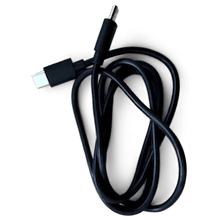
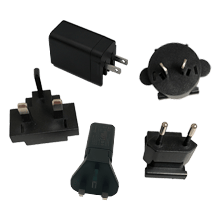
Before proceeding, ensure you have your Eos-supplied USB-C Skadi charging cable and 20-Watt USB-C Power Block Charger (USB-CHARGER-SKA):
| Symptom | Cause | Solution | How to Avoid |
|---|---|---|---|
| Battery powers the Skadi, but fuel gauge LEDs do not turn on or show incorrect charge. | Battery entered a very low discharge state and was recharged. Fuel gauge requires re-initialization. |
1. Ensure Skadi is OFF. 2. Insert battery. 3. Turn Skadi ON. 4. Fuel gauge will re-initialize. |
Recharge immediately after use. Even when powered OFF, the Skadi consumes minimal battery. For long-term storage: fully recharge and remove the battery. |
| Battery does not power the receiver and LEDs do not light up. | Deep discharge below the minimum threshold triggered a protection mode and also reset the fuel gauge. |
Perform a recovery (trickle charge): 1. Ensure Skadi is OFF. 2. Insert battery. 3. Connect Eos 20W USB charger. 4. Power ON Skadi. 5. Confirm red charging LED and at least one fuel gauge LED. 6. Charge for at least 30 minutes. Tip: Turn OFF device for faster charging after initial recovery. Scan the code or click this link to watch a video on reviving your battery: 
|
Recharge battery immediately after use. Avoid leaving battery installed during long-term storage. Always store fully charged. |
| Battery charges slowly or does not fully charge. | Incorrect or low-power USB charger used. |
1. Use Eos-supplied 20W USB charger. 2. Alternatively, use an Eos Arrow receiver power supply via DC jack. |
Always use the recommended 20W Eos USB charger. |
| Skadi shuts down during a battery swap (hot swap). | Backup battery is low or not charged. |
Update Skadi Manager firmware to version 0.0.15 or higher. If not updated, charge using the Eos 20W USB charger. |
Keep firmware updated to version 0.0.15 or later. |
Contacting Eos Technical Support for Further Information
If you have any other questions pertaining to your Skadi battery, please do not hesitate to contact our team. Providing the following information will allow us to quickly support you:
- Skadi serial number (check Skadi label)
- Skadi battery revision: Locate your battery revision number on the Skadi battery label. Here is an example of where the revision is located:
- Core and Master Firmware versions (find this in Eos Tools Pro)
- Description of LED behavior
- Charging behavior observed
Explore Related Items
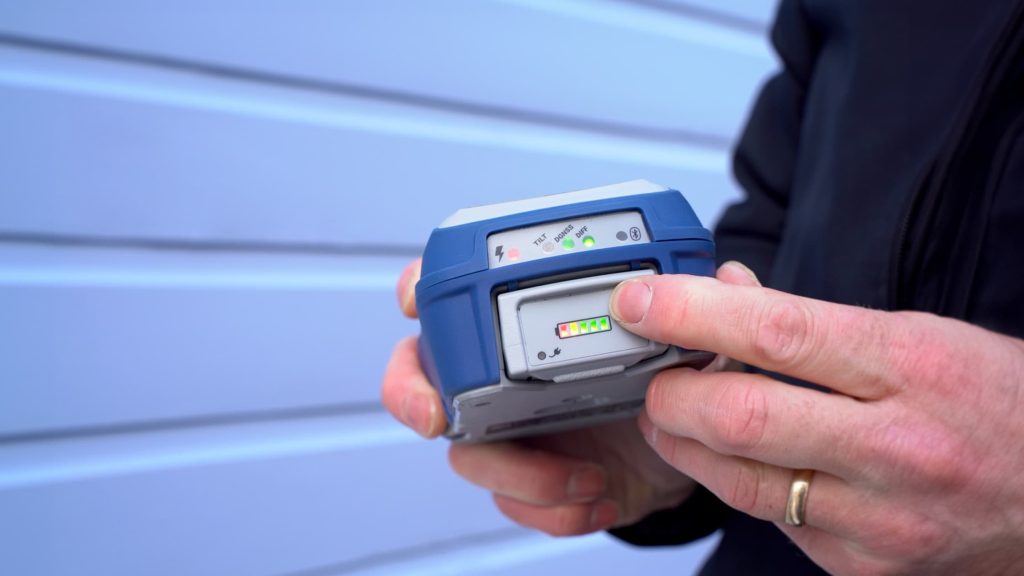
How to Charge Your Skadi GNSS Receiver
This article shows you how to charge your Skadi GNSS receiver by using the included USB-C cord when the battery is inserted to the handle or receiver, or by using a supplemental external charging cord when the battery is free-standing.
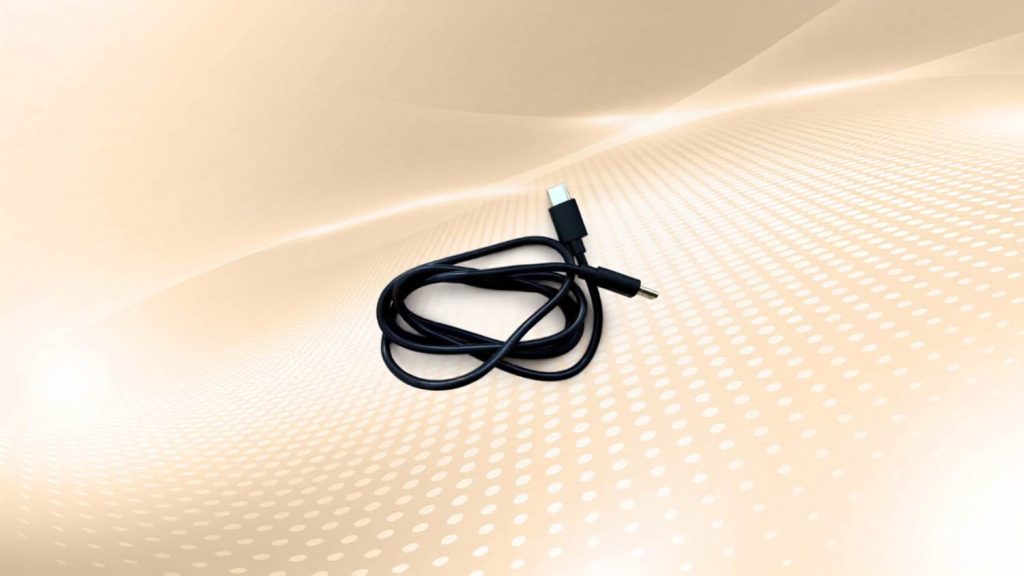
Skadi Series™ USB Cable: USB-C (CBLUSBC-SKA)
This USB cable comes standard with all Skadi Series GNSS receiver purchases. Connect your GNSS receiver to a Windows PC to update your firmware or use with an app.