
Real-Time Kinematic (RTK) corrections are an amazing GNSS technology that can deliver sub-inch accuracy anywhere on Earth when using a compatible GNSS receiver, like those from Eos Positioning Systems, connected to an RTK base station. By using RTK-enabled GNSS receivers with iOS®, Android™, and Windows® devices, field technicians in GIS, engineering, construction, and related industries may collect an impressive amount of high-accuracy data — with very little training.
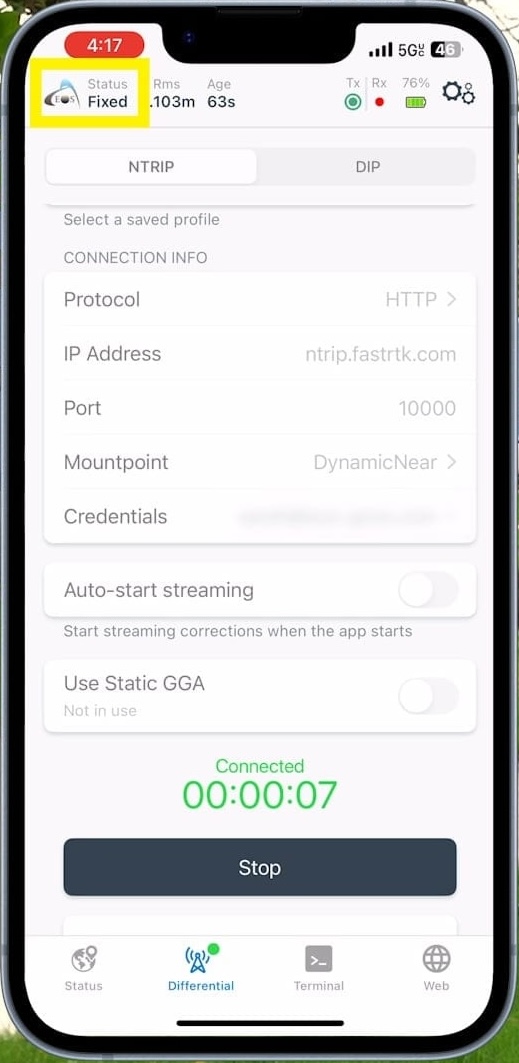
A key piece of technology required for RTK is wireless connectivity. This enables communication between an RTK-enabled GNSS receiver (i.e., the rover) and the RTK base station. When the wireless link between the two is solid, the RTK connection is “fixed,” or locked in. With a steady RTK Fix, the technology delivers sub-inch precision, and a field technician can perform survey-grade work at maximum productivity. When the wireless connectivity between the rover and base station is spotty, on the other hand, the lock becomes fragile, the RTK Fix changes to Float, and the (frustrated) technician experiences suboptimal accuracy and productivity.
RTK Fix vs. Float: Why do we care so much?
The difference between a strong and weak rover/base connection might not seem important. But when the weather is brutal, the daylight is short, or the client’s deadline is looming, every second matters. No one wants to wait for technology to work so they can do their job.
Watch this Article as a 1-min Video:
The Old Days: A Short History of RTK Connectivity
1990s: UHF Radio
When RTK technology burst onto the field in the mid-1990s, UHF radio modems were the default method of wireless communication. They were great for short-range (i.e., several miles of) wireless data communication. But the downsides to UHF radio modems were (and still are) many: They are expensive, consume lots of power, and require a license to operate. In the U.S., the Federal Communications Commission (FCC) allocates the license, and in nearly every other country on the planet, there is an equivalent license. All that said, some still use UHF radios today, though far less commonly, to handle their RTK corrections.
2000s: Smartphones, Internet, and NTRIP
As iOS® and Android™ smartphones and tablets proliferated during the late 2000s, these mobile devices became a natural fit for RTK data-collection workflows. This was due in large part because they were almost always connected to the internet, thanks to the concurrent explosion of wireless networks. Thus, a new RTK protocol was born: Networked Transport of RTCM via Internet Protocol (NTRIP).
NTRIP was developed exclusively as a method for sending RTK data from a base station to rover(s) via the internet.
What followed were the deployments of large numbers of RTK networks and groups of networked RTK base stations — some of which cover entire countries — all of which leveraged NTRIP. Depending on the RTK network operator, some networks are free while others require paid subscriptions.
2010s: RTK for iOS®
On the heels of the smartphone and wireless boom was the creation of the first RTK-enabled GNSS receiver compatible with the iPhone® and iPad® — a milestone achieved by Jean-Yves Lauture, current Chief Technology Officer of Eos Positioning Systems. This was a transformational moment in the history of RTK that set the foundation for widespread RTK democratization among GIS users across sectors.
In short order, field technicians across industries began taking advantage of RTK-enabled GNSS receivers, regionally available RTK and wireless networks, and the smart devices in their pockets.
The Last Mile Problem: Dead Spots
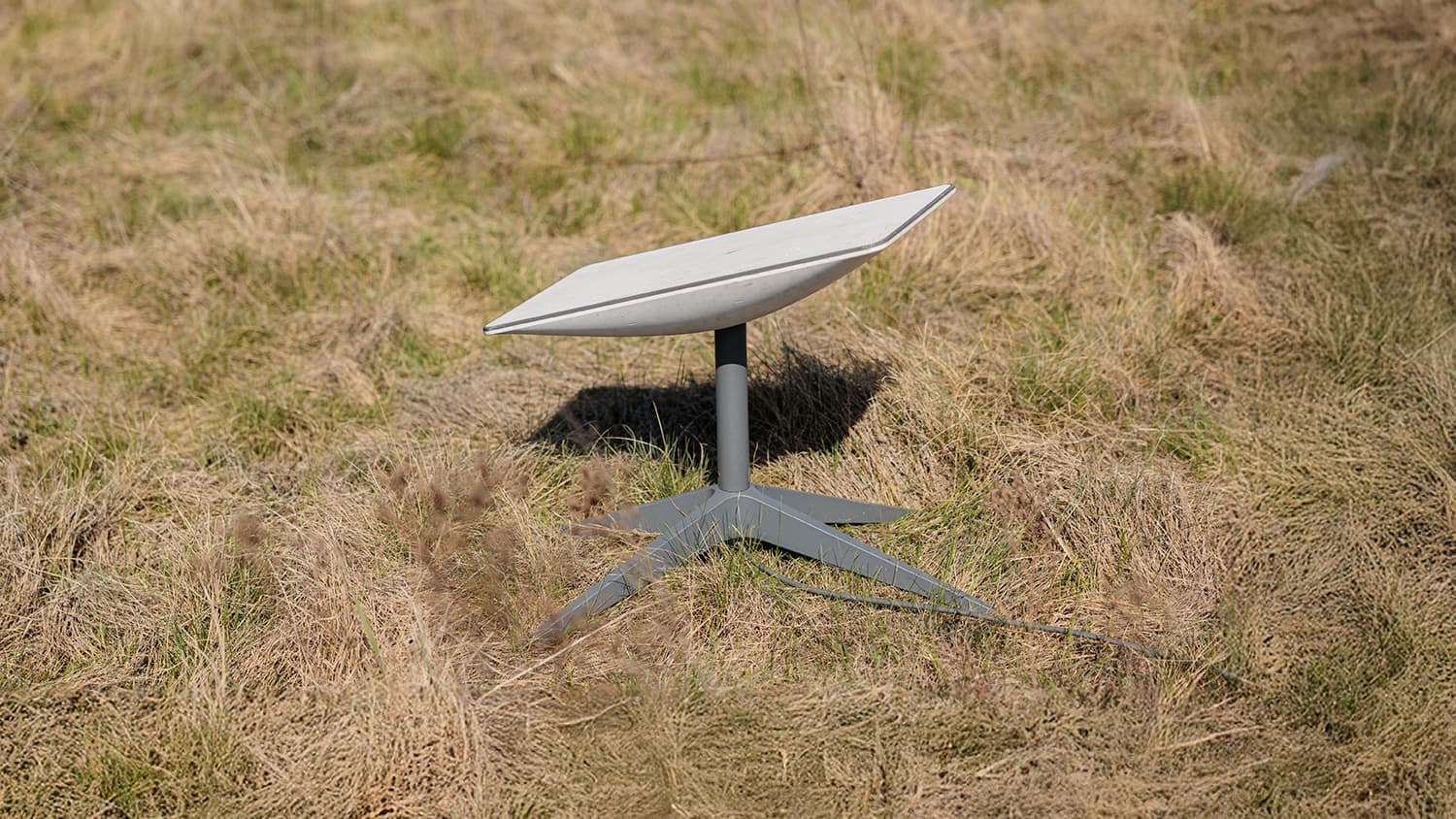
The challenge with relying on wireless networks for RTK connectivity is that wireless networks have many dead spots — areas of spotty coverage where people still need to work. Remember: The Achilles’ heel of RTK is, and always has been, connectivity. Stable, reliable connectivity that enables an RTK Fix. Without this, RTK becomes what RTK should never be: unproductive.
Starlink — a relatively new, global, affordable, and satellite-based internet service — completely eliminates the last mile problem. Here’s how …
Enter Starlink
Officially announced as a concept in 2015, rolled out in beta in 2020, and released market by market globally starting in late 2021, Starlink set the stage for the next RTK evolution. Thanks to its expansive and complete global coverage, Starlink eliminates dead spots. Everywhere.
Unlike anything before it, Starlink has a whopping 10,860 (and growing) communication satellites! In fact, as of 2026, Starlink satellites account for roughly two-thirds of all active manmade satellites.
What’s more, Starlink satellites are fast. While a GNSS satellite (like those found in GPS, Galileo, GLONASS, and BeiDou constellations) takes 12 hours to orbit the Earth, each Starlink satellite zips around the planet in little more than 90 minutes.
Lightning-Fast Speeds: Lasers and Instant Gratification
It gets better: Starlink satellites pass data back and forth via lasers at actual lightspeed.
Historically, sending information from an origin to a destination via the internet required ground stations. If User A wants to send data to User B elsewhere on the planet, here’s how that looks: User A sends data to a satellite, which remits it to a ground station, which sends it to a ground station closer to User B, which passes it up to a satellite, which sends it finally to User B.
With Starlink, the whole process happens at lightspeed in the sky: User A sends data to a satellite, which passes it to satellite to satellite to satellite (and so on) at the speed of light via lasers. Once at its destination, the last satellite transmits it to User B. The entire data hopping takes place in the sky. Some call this system a “mesh network in the ski” or “Wi-Fi in the sky.”
The result is — literally — lightspeed internet.
A GNSS satellite takes roughly 12 hours to orbit Earth. A Starlink satellite completes the same journey in a little more than 90 minutes, making over a dozen trips around the planet each day.
Starlink’s internet speed has vast implications for consumers. Netflix, YouTube, and other streaming services are lag-free — even in the Mojave Desert, downtown Los Angeles, Appalachia, Antarctica, and the middle of the ocean.
Can you see how this leads to a resolution for RTK dead spots? …
Starlink as a Hotspot
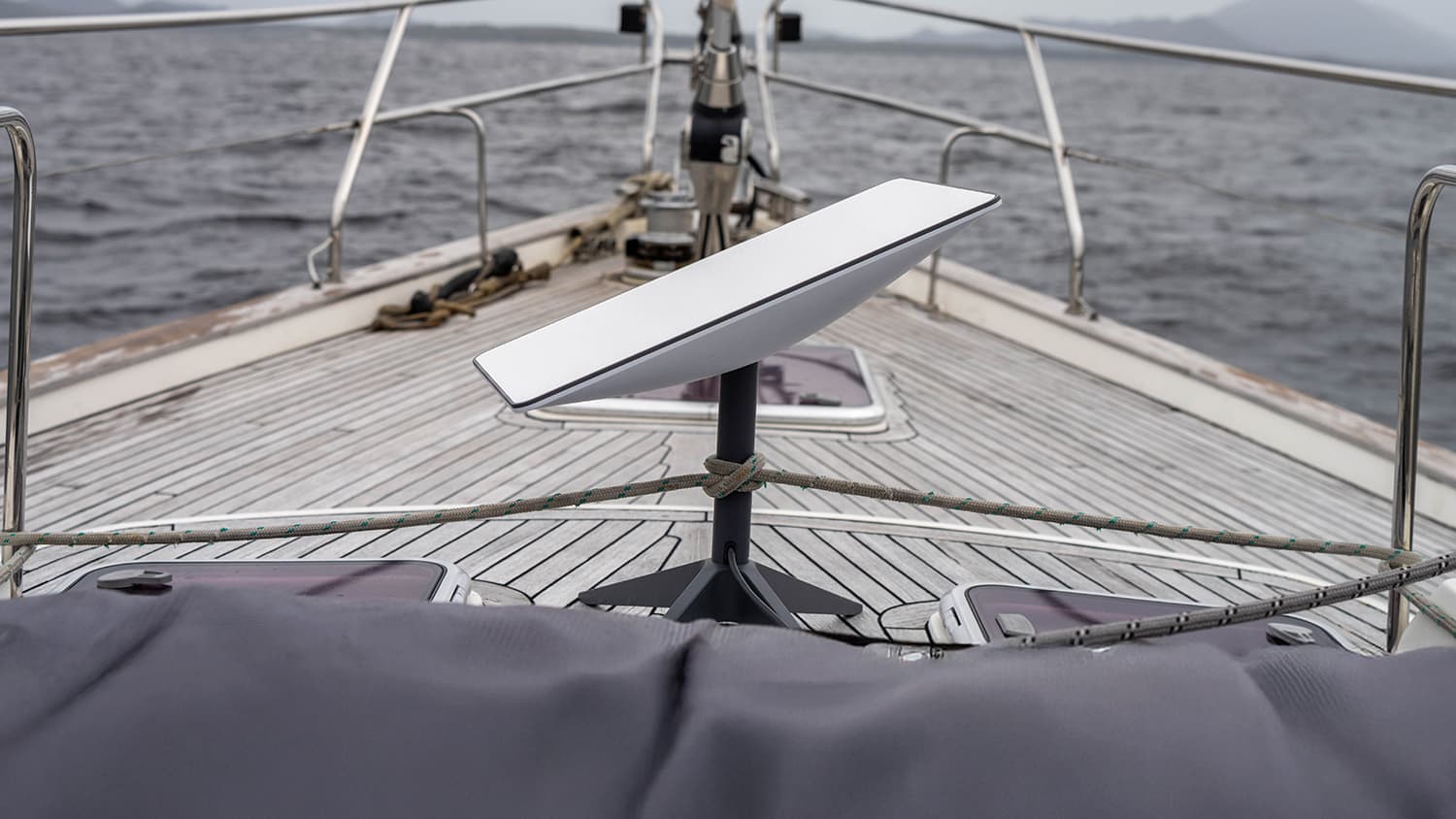
The Starlink receiver also acts as a Wifi hotspot. When used as a hotspot, it can support a connected device (e.g., smartphone) up to 800 feet (~244 meters) away. The only caveat is that the receiver must have a decent line-of-sight to the sky. Under moderate to heavy canopy, it could experience reduced speed or failure. The nice part is, due to its 800-foot leash, the Starlink receiver can simply be moved to a better location if its current one is creating poor performance.
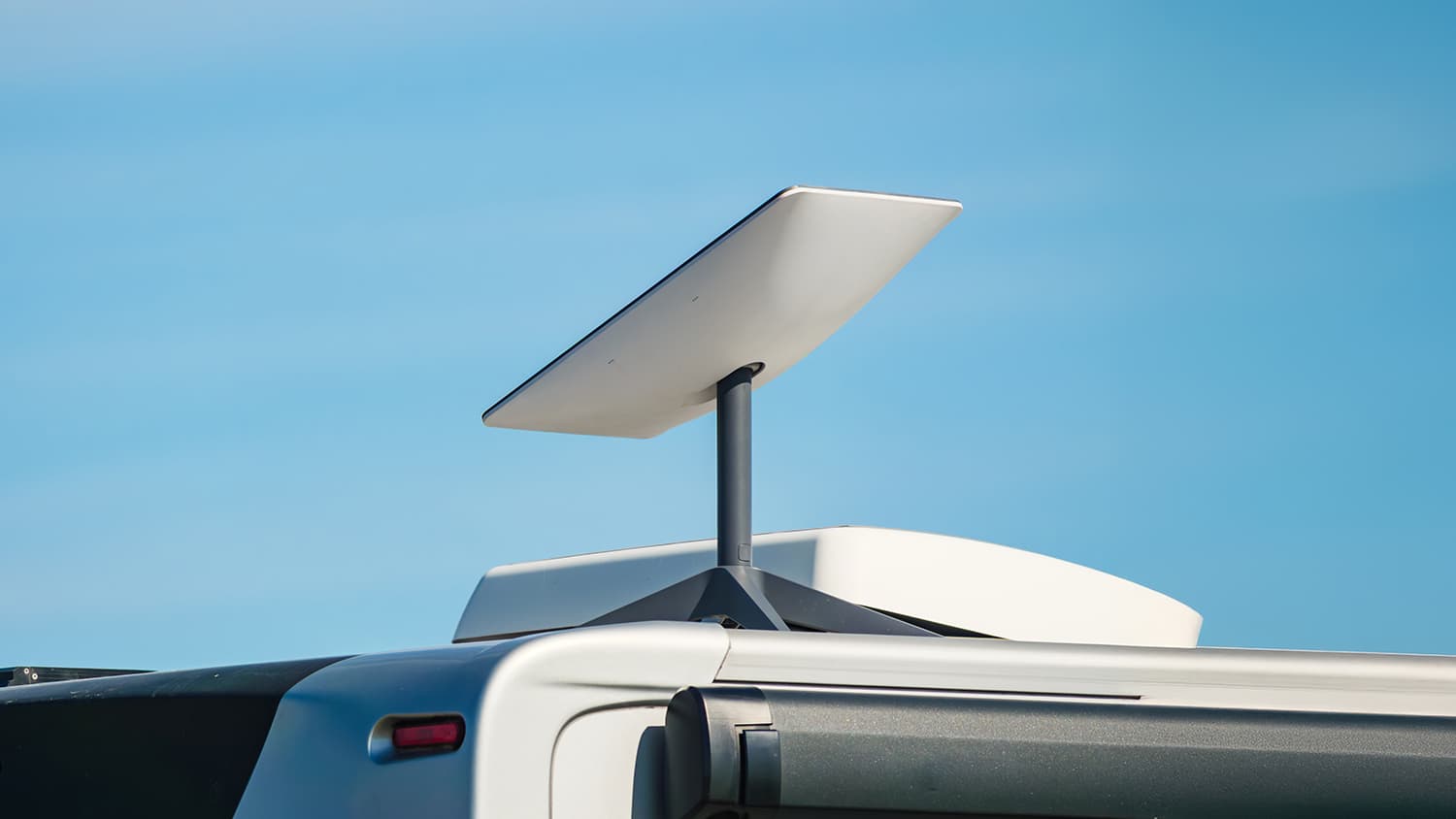
Setting up the hotspot is easy: The Starlink receiver itself is about the size of a notebook computer. You lay it on a flat surface, mount it to your vehicle, or mount it to a pole or similar. Once the user taps the power button, it takes about two minutes transform into a hotspot, ready to stream WiFi. Even better: Starlink will continue to stream while in motion. This means it can be mounted to a vehicle roof and remain an active hotspot while the vehicle travels.
Supporting an Entire Crew’s Work
As it happens, RTK data packets are very small. Therefore, RTK doesn’t need high-speed internet. But it does need steady, low-latency (i.e., minimal delay) connectivity across the entire job site — which is why Starlink fits the bill. Even if maxing out the 128 users that each Starlink receiver can support, a crew will have more than enough data speed. That means on one remote job site, a single Starlink hotspot can support 128 field technicians streaming RTK while also doing their emails, video calls, messaging, GIS and CAD file sharing, downloading, uploading, and anything else required. All with more than enough data speed.
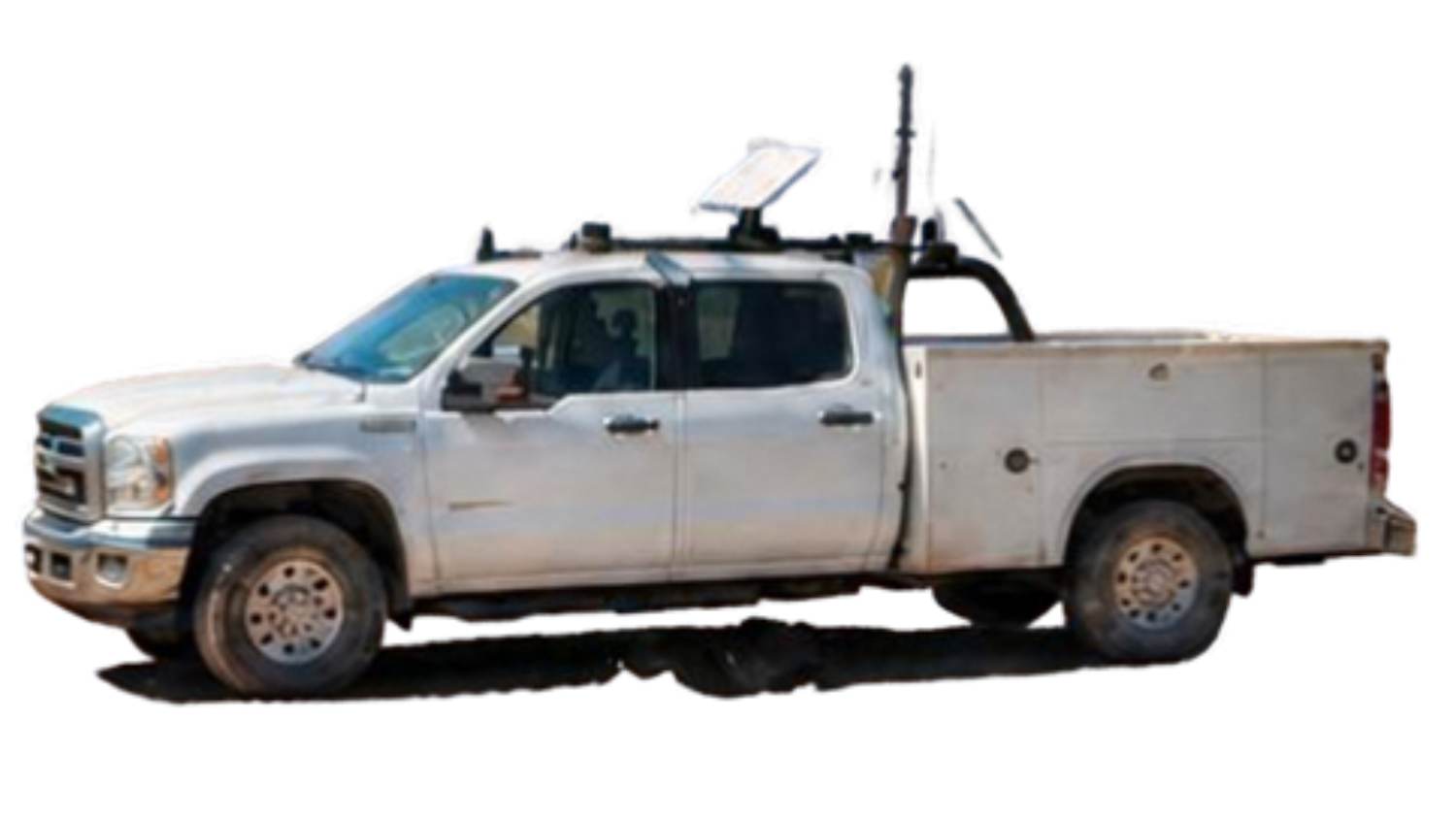
Setting up the hotspot is easy: The Starlink receiver itself is about the size of a notebook computer. You lay it on a flat surface, mount it to your vehicle, or mount it to a pole or similar. Once the user taps the power button, it takes about two minutes transform into a hotspot, ready to stream WiFi. Even better: Starlink will continue to stream while in motion. This means it can be mounted to a vehicle roof and remain an active hotspot while the vehicle travels.

Cost of Starlink
The Starlink device and service is surprisingly inexpensive. As of this writing in autumn 2026, a single Starlink Mini device starts at $199. We recommend purchasing this battery pack, too, which currently costs $169. Lastly, the monthly personal “Roam” service at the time of this writing costs $55/month for 100GB of data. While that isn’t to enough to stream Netflix in the off-hours, it is plenty of data to support a bunch of RTK users.
Setting up the hotspot is easy: The Starlink receiver itself is about the size of a notebook computer. You lay it on a flat surface, mount it to your vehicle, or mount it to a pole or similar. Once the user taps the power button, it takes about two minutes transform into a hotspot, ready to stream WiFi. Even better: Starlink will continue to stream while in motion. This means it can be mounted to a vehicle roof and remain an active hotspot while the vehicle travels.
Looking Ahead
The world is headed toward ubiquitous connectivity. In areas where cell towers aren’t — and won’t — be erected, services like Starlink will increasingly fill the gap. For RTK users, this means a better RTK experience with affordable, reliable connectivity anywhere on the planet. No more expensive UHF radios with licensing requirements. No more expensive satellite-based GNSS corrections services with per-user subscription fees. No more RTK dead spots.
As RTK GNSS technology is increasingly combined with sensors, such as those found in the Skadi Smart Handle™, field technicians are on the cusp of participating in a completely transformative era of productivity and safety. Some have already started.
Setting up the hotspot is easy: The Starlink receiver itself is about the size of a notebook computer. You lay it on a flat surface, mount it to your vehicle, or mount it to a pole or similar. Once the user taps the power button, it takes about two minutes transform into a hotspot, ready to stream WiFi. Even better: Starlink will continue to stream while in motion. This means it can be mounted to a vehicle roof and remain an active hotspot while the vehicle travels.
Explore Related Items

Atlas® Service: Get Higher Accuracy in Remote Areas
How can you get high-accuracy data corrections in the world’s most remote areas? In this article, Eos explains two options: Atlas® service or SafeRTK®.
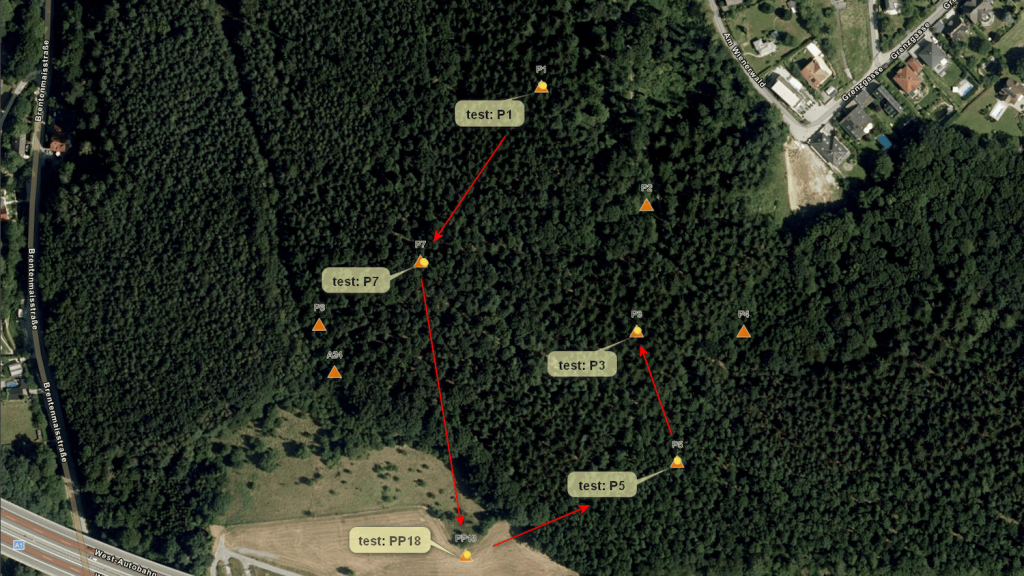
Hungarian Professor Test Drives the Skadi Gold with Galileo HAS in the Austrian Forest
Hungarian researcher Prof. Dr. Kornél Czimber test‑drives the Skadi Gold™ GNSS receiver with Galileo HAS in Austria’s dense forests, revealing reliable 25–50 cm accuracy for real-world forestry workflows even in challenging conditions.