
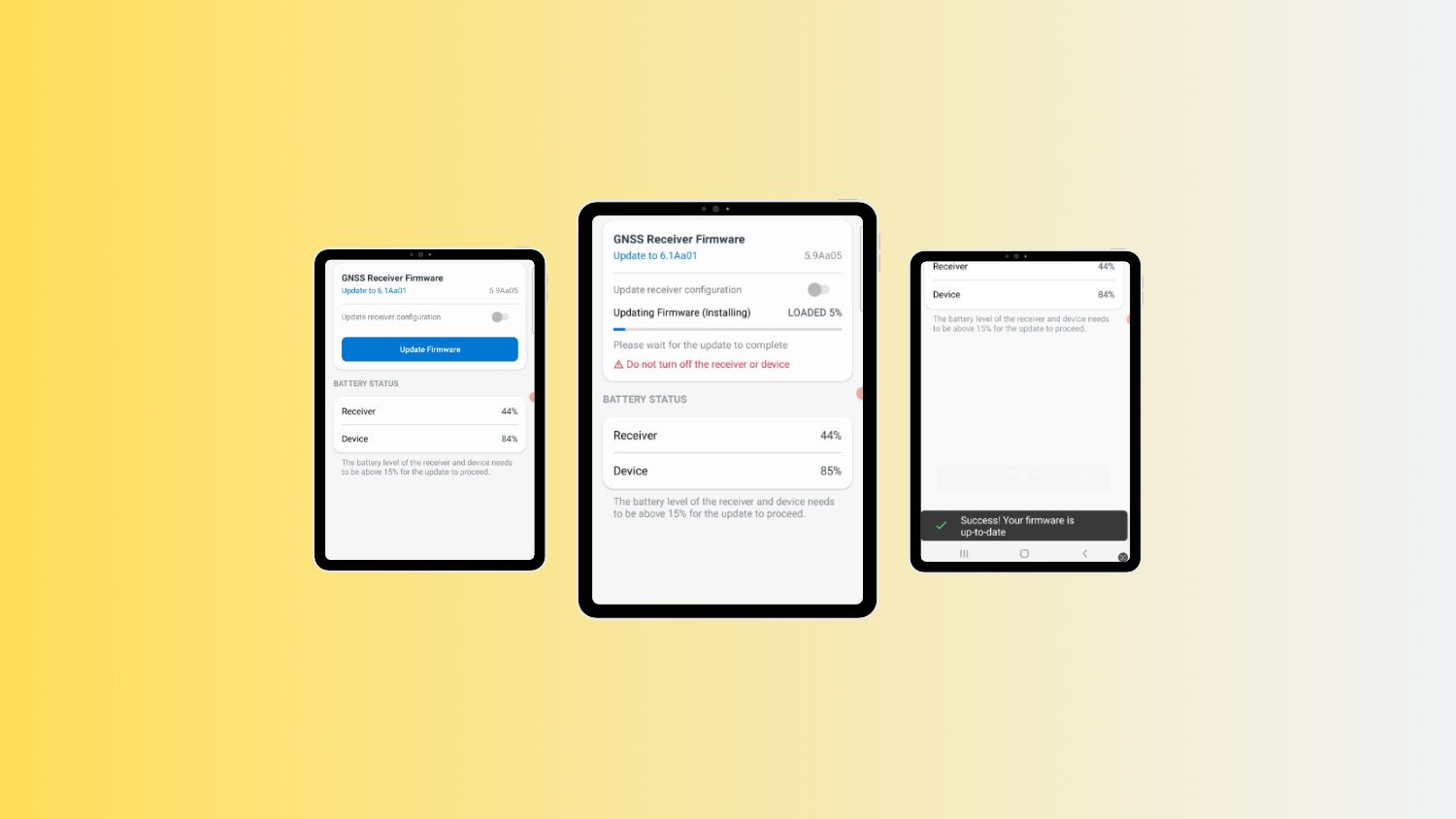
This tutorial explains how to update your Arrow Series® GNSS receiver engine firmware over the air (OTA) for users on Android devices. Note that your specific firmware version will depend upon your receiver model. When your firmware needs to be updated, the Eos Tools Pro app will notify you via a notification. For any questions, please contact our Technical Support team.
Important:
Do not turn off your GNSS receiver during the process.
Follow these steps:
You may also watch the screen recording:
Explore Related Items
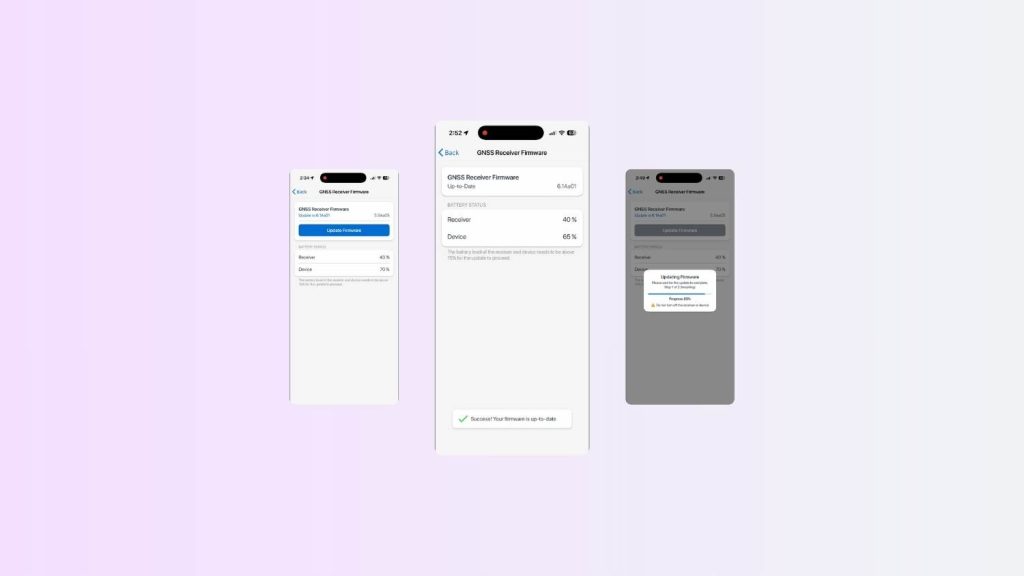
How to Update Your Arrow GNSS Receiver Engine Firmware Over The Air on iOS
Learn how to update your Arrow Series® GNSS receiver firmware over the air using an iPhone or iPad and Eos Tools Pro. Follow this step-by-step guide to install the latest GNSS firmware and verify a successful OTA update.

Do I need to upgrade my receiver to the latest firmware?
Each GNSS receiver model has a specific firmware version that can be found in Eos Tools Pro. Click here to see if yours is current.