
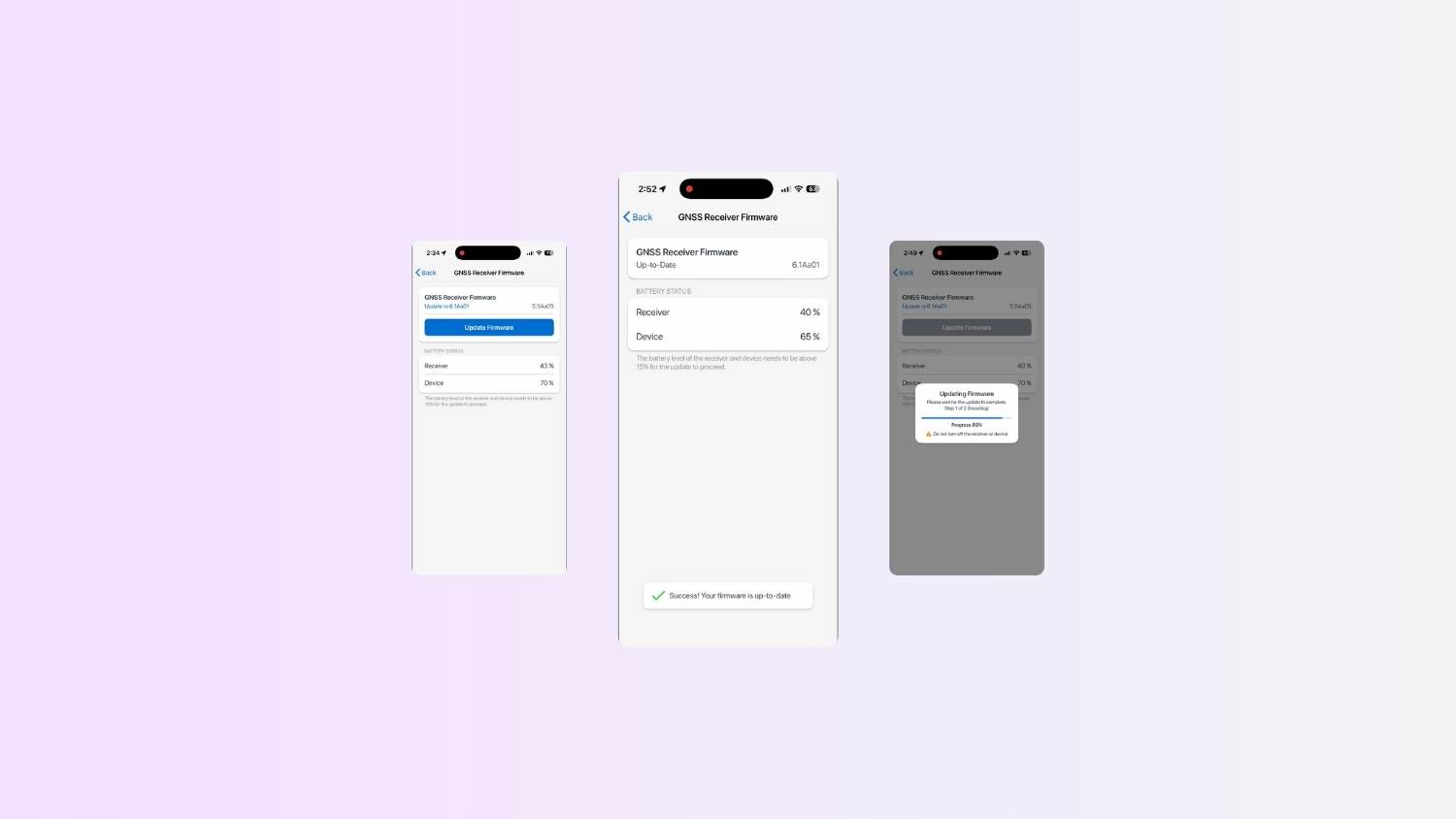
This tutorial explains how to update your Arrow Series® GNSS receiver engine firmware over the air (OTA) for users on iOS® devices. Note that your specific firmware version will depend upon your receiver model. When your firmware needs to be updated, the Eos Tools Pro app will notify you via a notification. For any questions, please contact our Technical Support team.
Follow these steps:
You may also watch the screen recording:
Explore Related Items
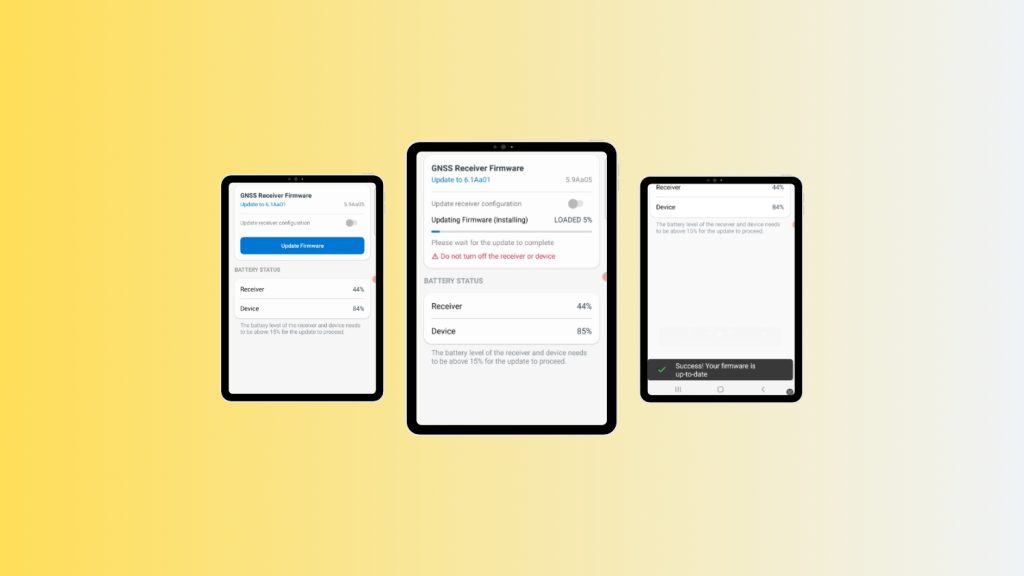
How to Update Your Arrow GNSS Receiver Engine Firmware Over The Air on Android
Update your Arrow Series® GNSS receiver firmware over the air using Android and Eos Tools Pro. This step-by-step guide shows how to pair your receiver, install the latest GNSS firmware update, and verify a successful OTA upgrade in just a few minutes.

Do I need to upgrade my receiver to the latest firmware?
Each GNSS receiver model has a specific firmware version that can be found in Eos Tools Pro. Click here to see if yours is current.