
NOTES FOR NOV. 24, 2026, RELEASE
ISSUE #7
On November 24, 2026, Eos Positioning Systems will release a new version of Eos Tools Pro (ETP).
This release will benefit both Skadi® Series and Arrow Series® users on iOS (🍎) and Android (🤖).
Below is a summary of updates included in the release.
NEW FEATURES
🍎 🤖 Support for Time-Dependent Datum Transformations
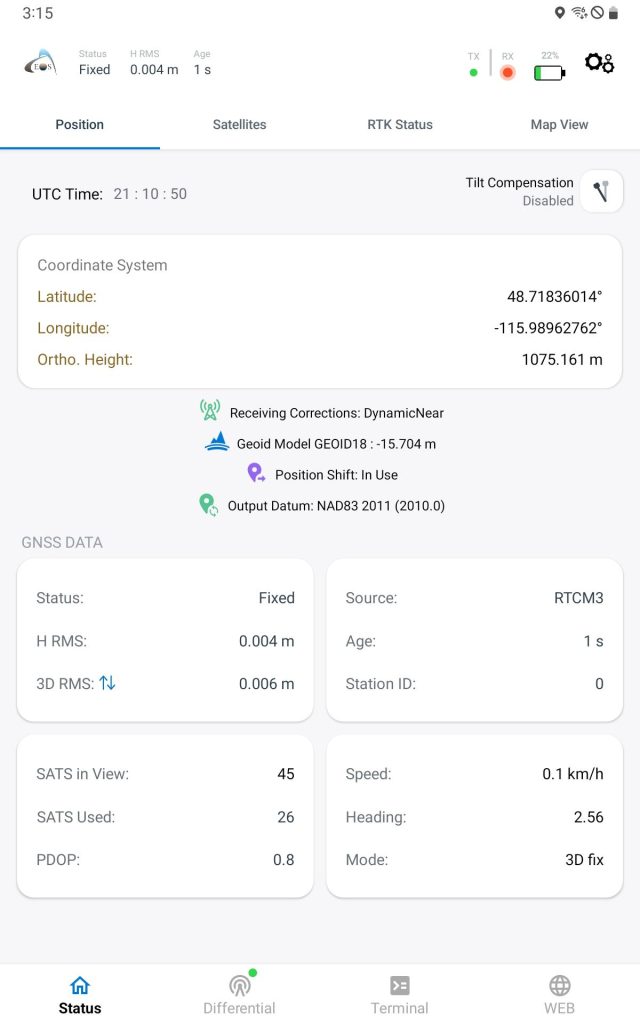
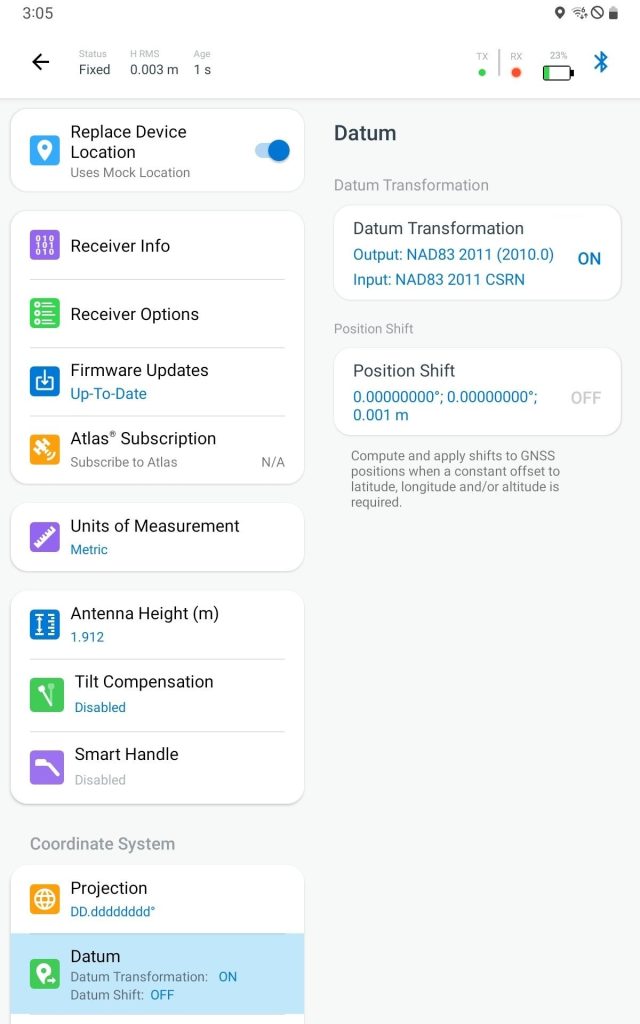
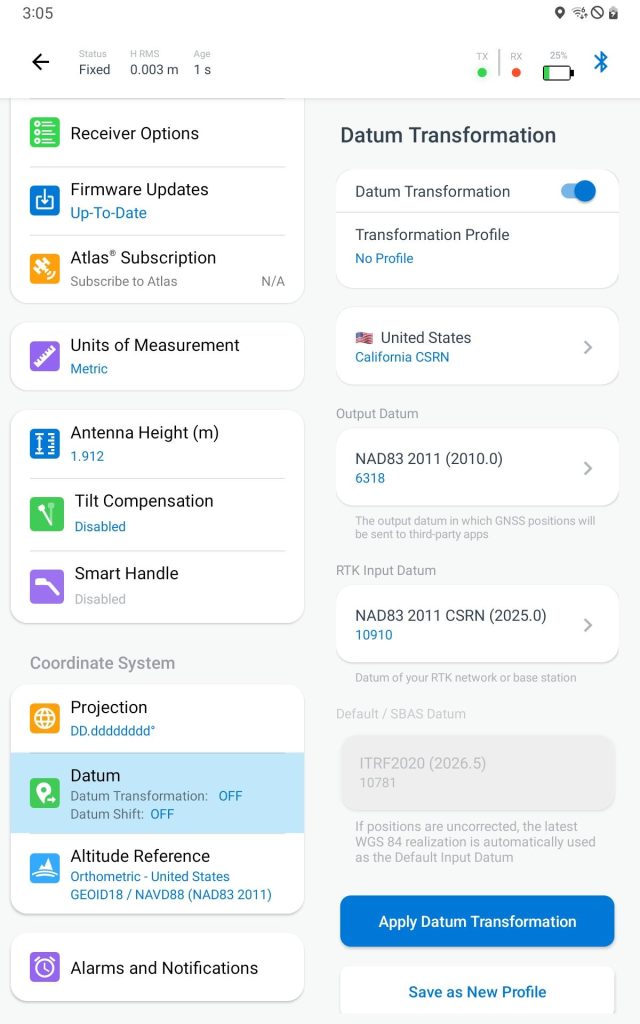
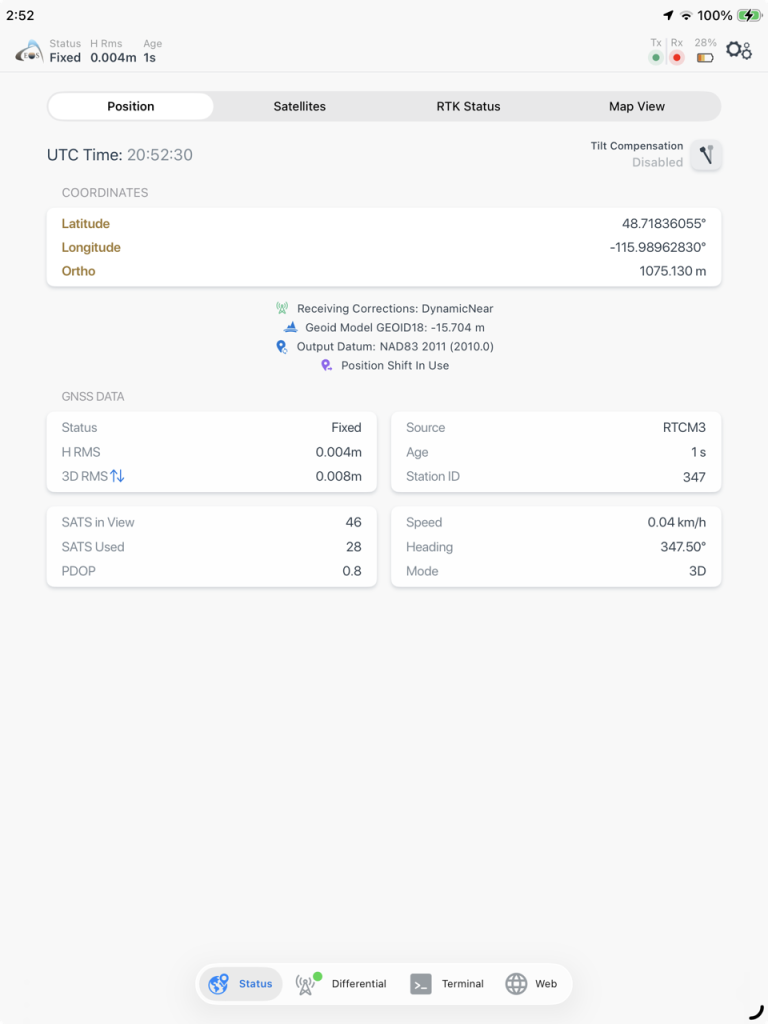
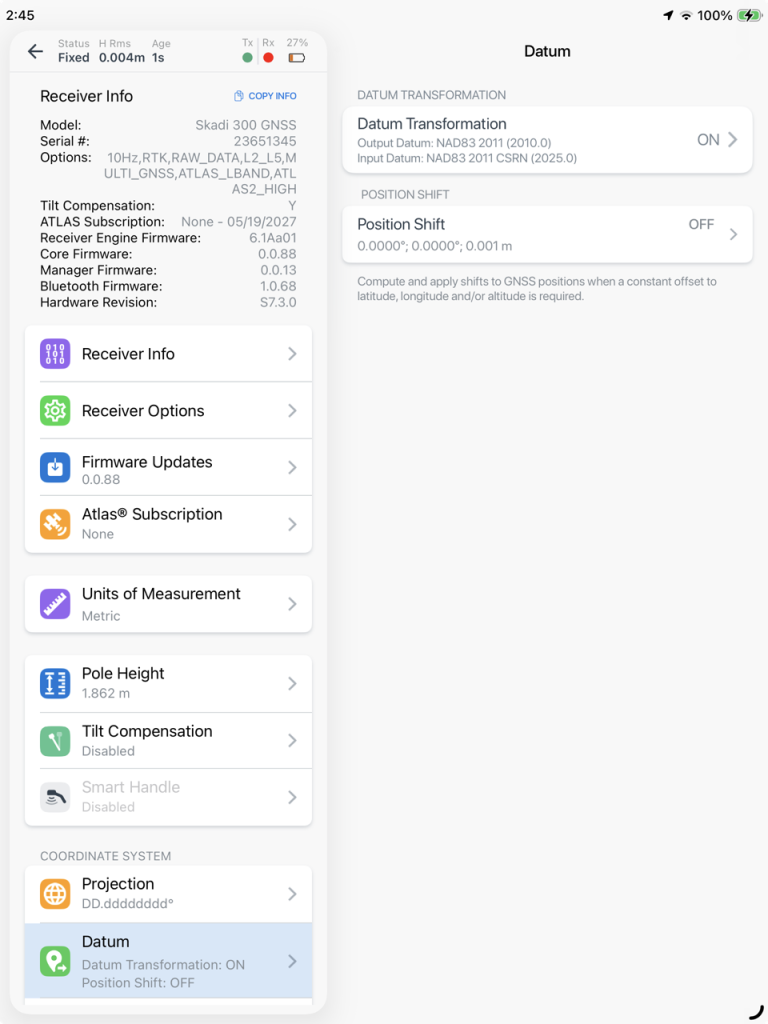
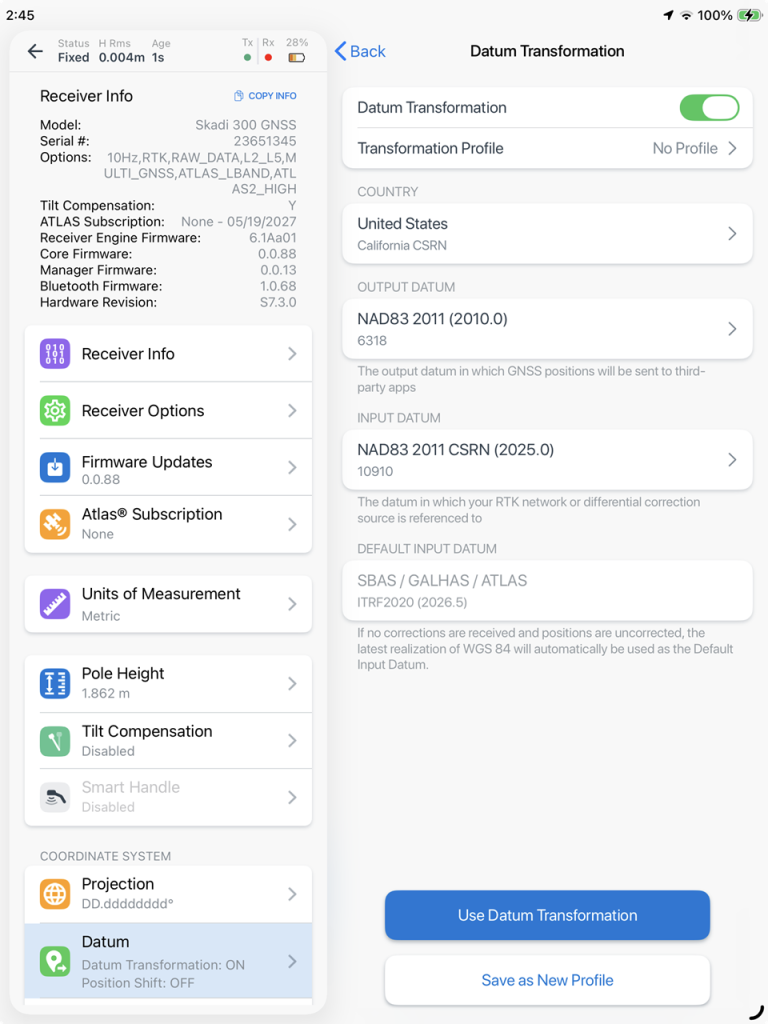
ETP now supports 14-parameter time-dependent datum transformations for North America (USA and Canada).
A datum transformation converts GNSS positions from one coordinate reference framework to another, so your GNSS positions align correctly with your organization’s existing GIS data and basemaps.
ETP now supports 14-parameter time-dependent datum transformations for the USA and Canada, for use with mobile data collection and mapping applications that do not offer this capability.
Output positions are transformed and remain fixed to your chosen datum even when your GNSS correction source (e.g. RTK, SBAS, GALHAS, ATLAS) changes.
The transformations support conversions between North American datums, including NAD83 (2011), NAD83 CSRN (California), and NAD83 CSRS (Canada), as well as various realizations of ITRF and WGS84.
Android Screenshots
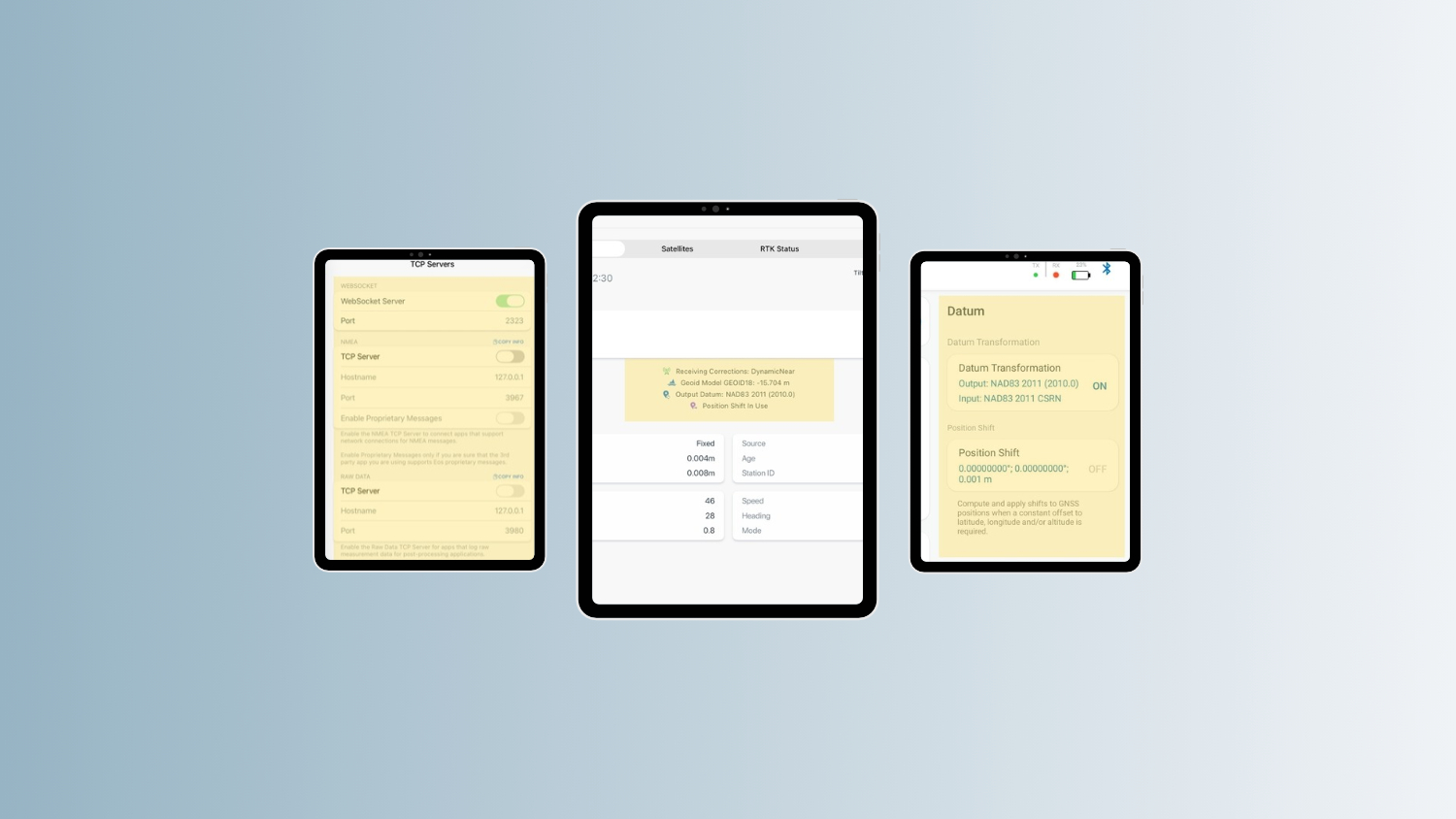
iOS Screenshots
🍎 🤖 Support for WebSocket Communication with Esri ArcGIS Field Maps
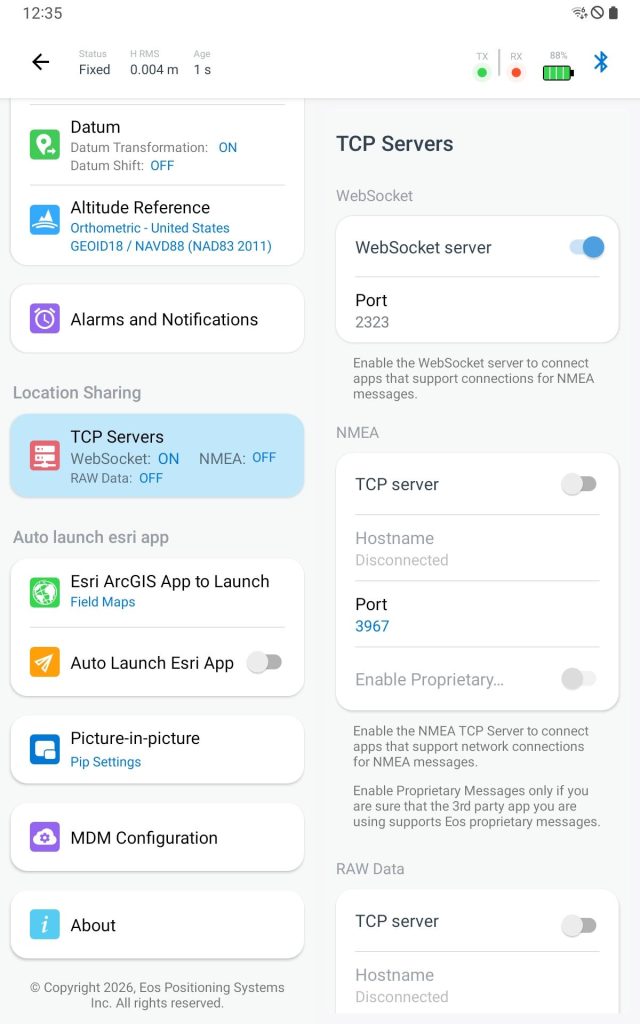
ETP now supports bi-directional communication with ArcGIS Field Maps through a WebSocket Server (WSS) connection.
This allows ETP to send enhanced GNSS attributes, including Skadi Tilt Compensation™ and Skadi Smart Handle™ metadata, over a WSS connection.
This will improve field data validation, quality control, and visibility into how data was collected.
Additionally, this extra set of information is compatible with Esri’s new list of attributes for tilt compensation, laser rangefinders and underground locators.
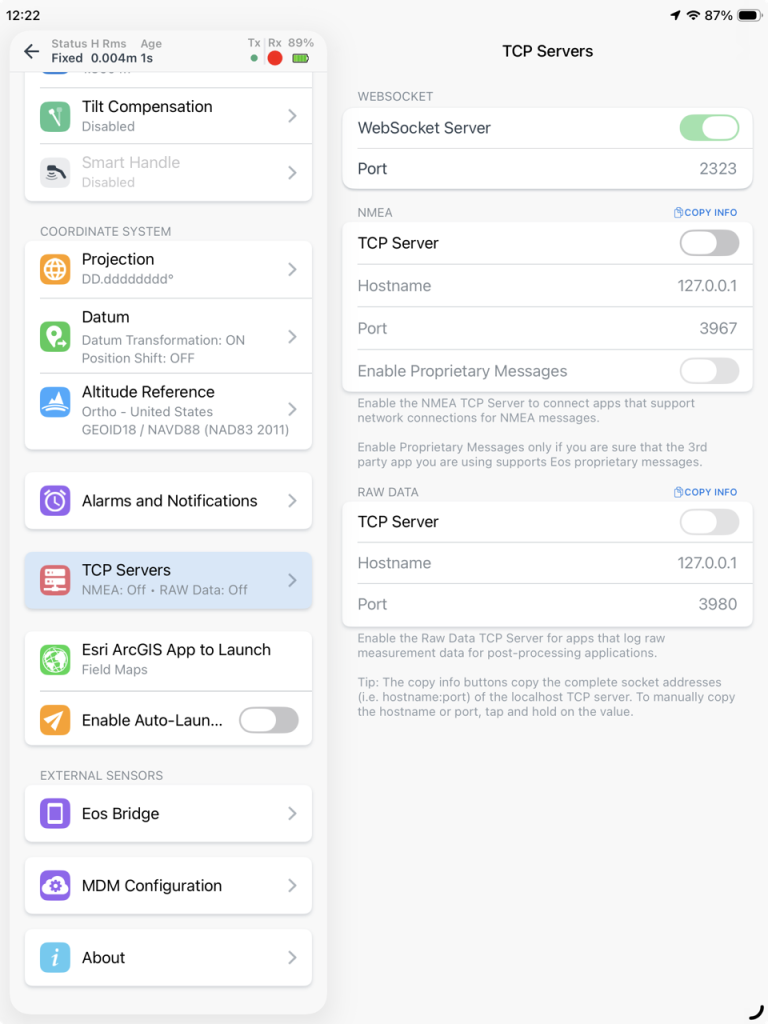
Android Screenshots
iOS Screenshots
🍎 🤖 Support for Norway Geoid Model HREF2025A
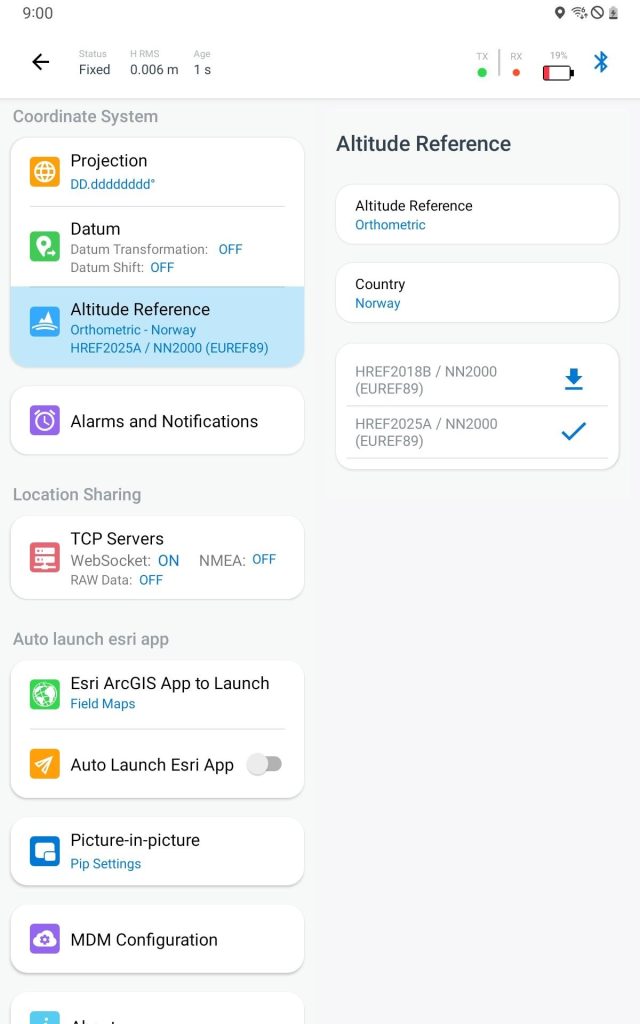
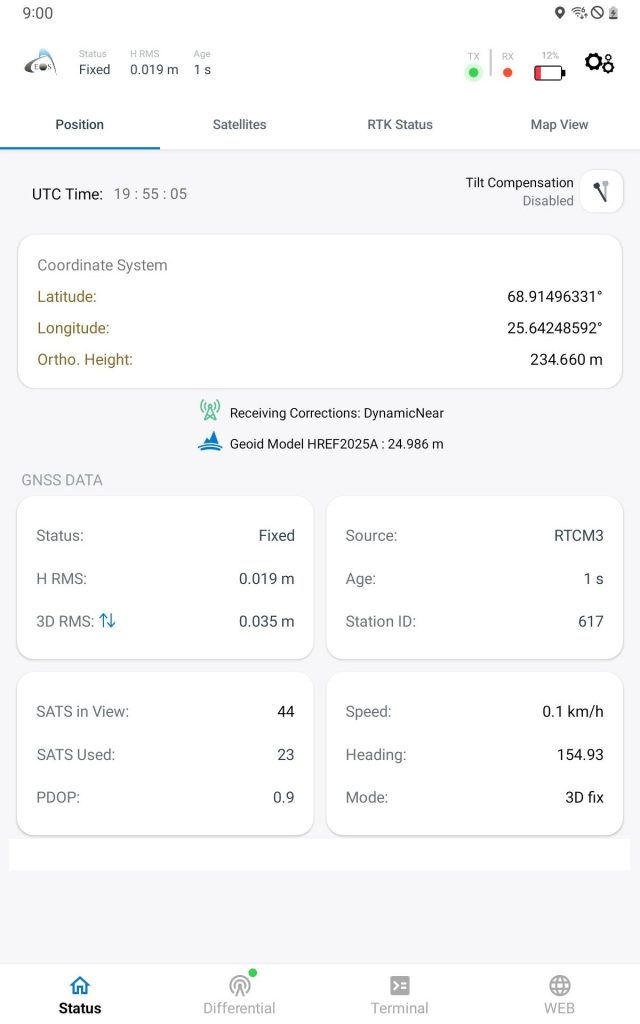
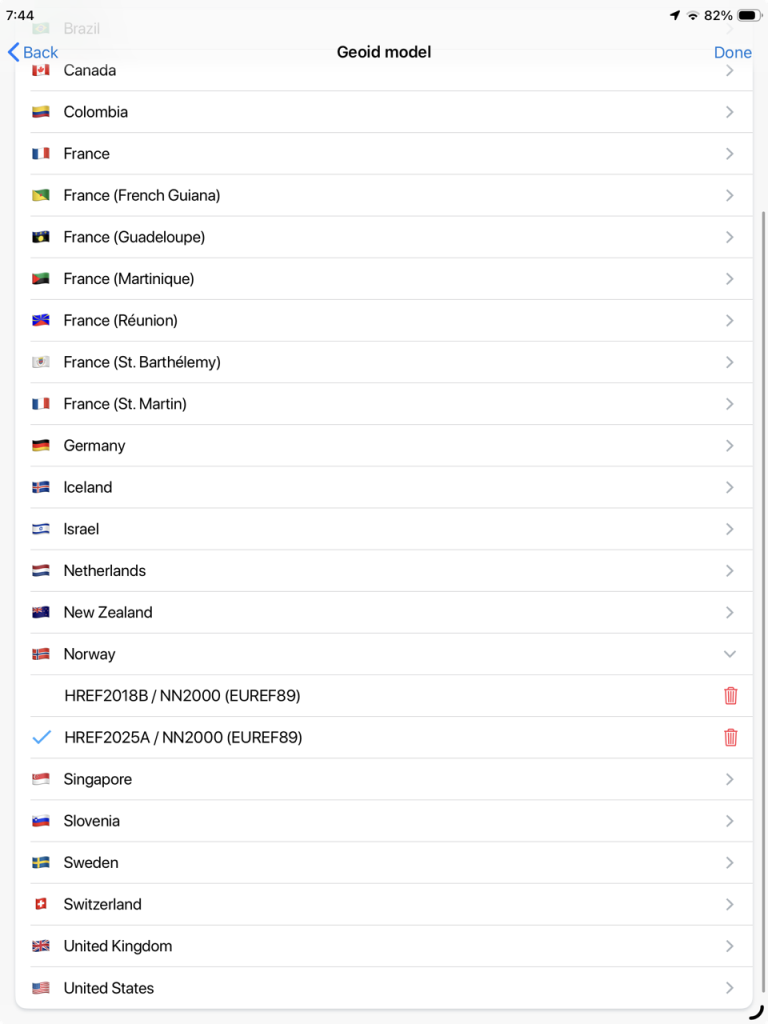
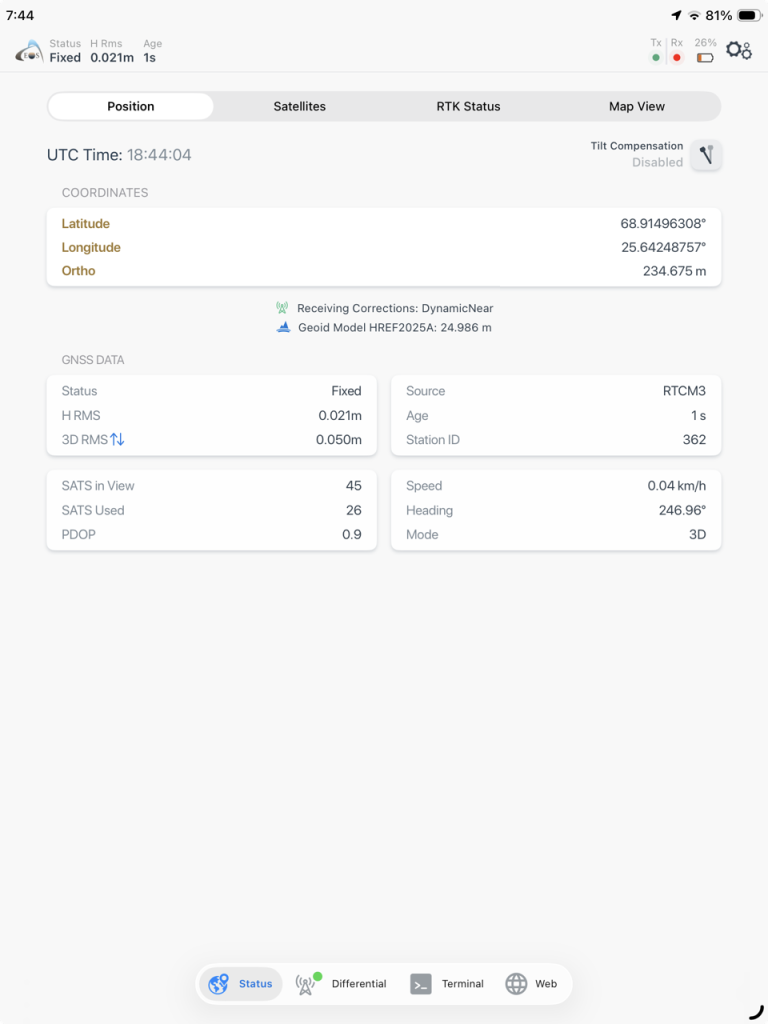
ETP now supports Norwegian geoid model: HREF2025A.
This release adds support for the latest official Norwegian geoid model, HREF2025A, enabling orthometric height conversions for the NN2200 vertical datum associated with the EUREF89 reference system.
This allows users in Norway to acquire GNSS positions with heights compatible with the country’s NN2200 vertical datum.
Android Screenshots
iOS Screenshots
🤖 Updates for Android Users
Support for Location Extras for Skadi
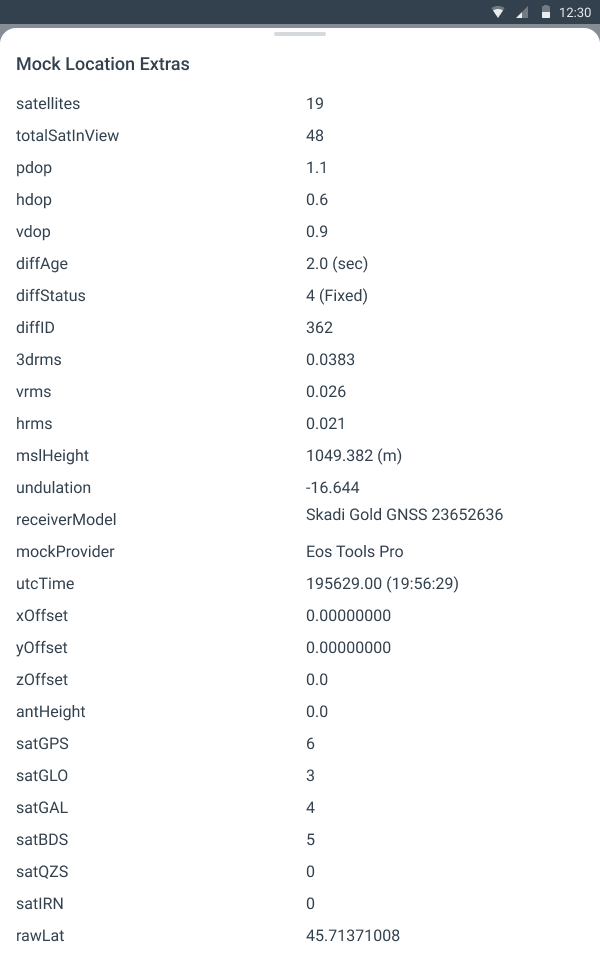
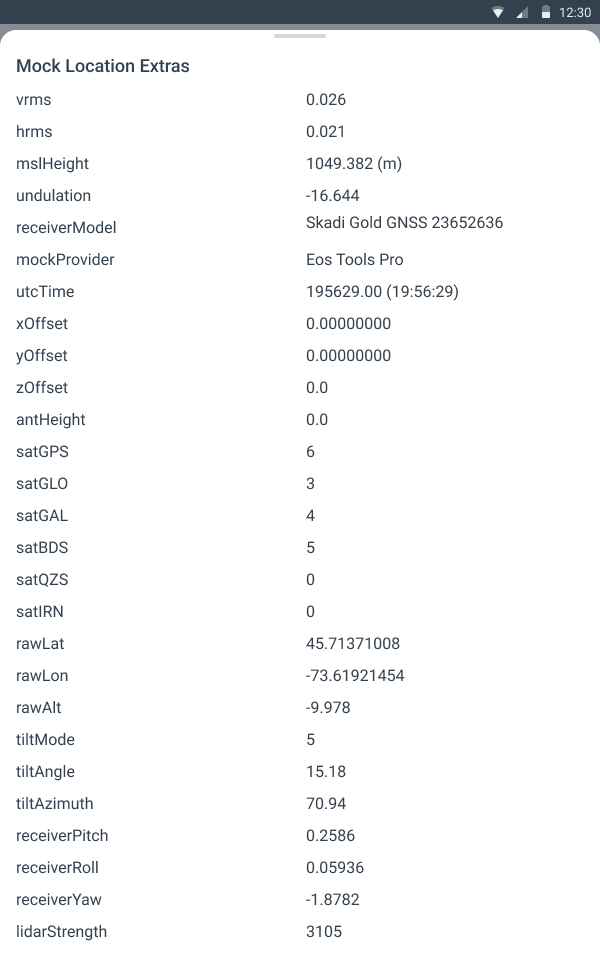
ETP now provides additional Skadi-specific GNSS information through Android Location Extras.
Compatible third-party Android applications can access metadata such as tilt mode, tilt angle, tilt azimuth, IMU pitch, roll, yaw, and uncompensated GNSS coordinates. Previously, only standard GNSS information was available.
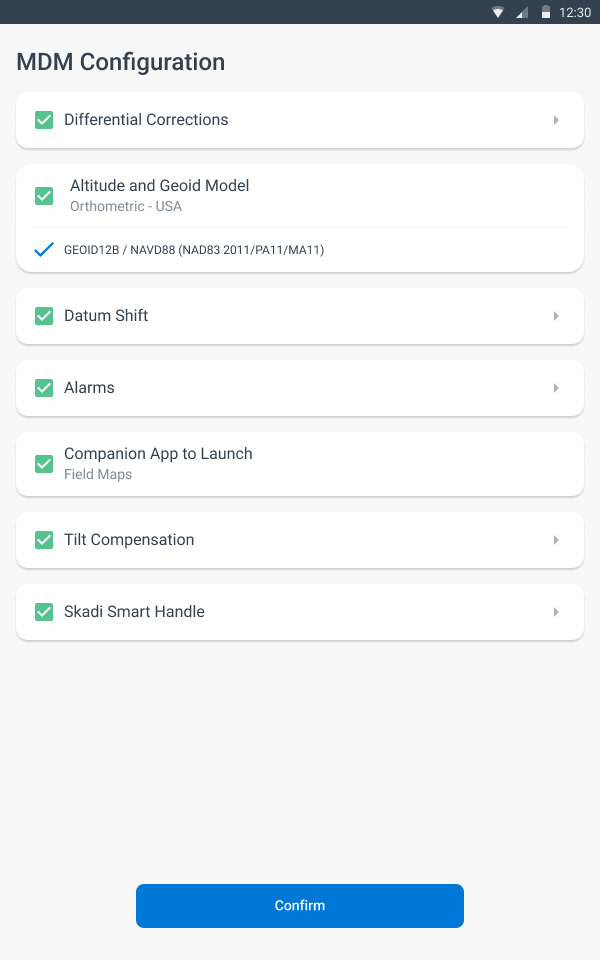
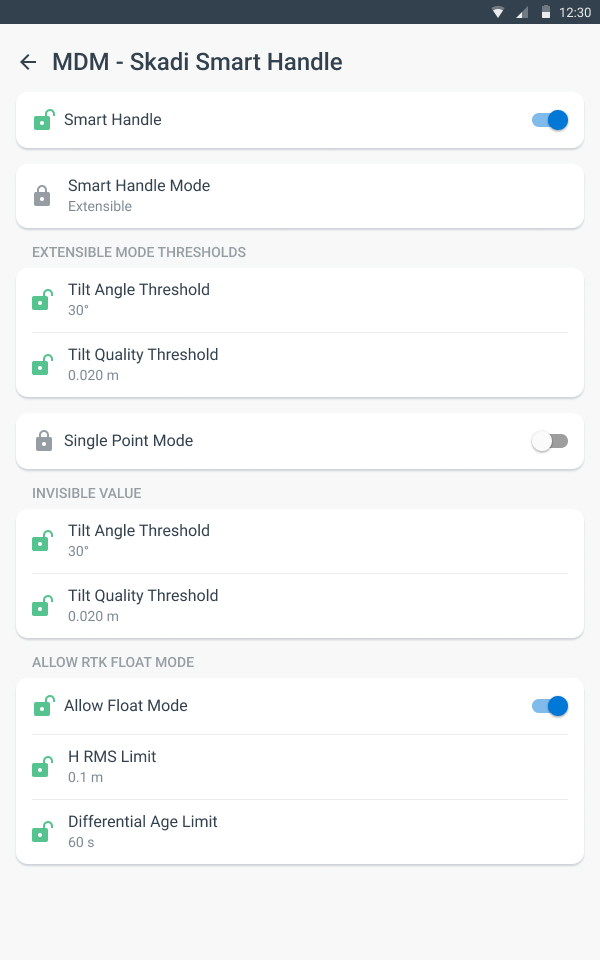
MDM Support for Skadi
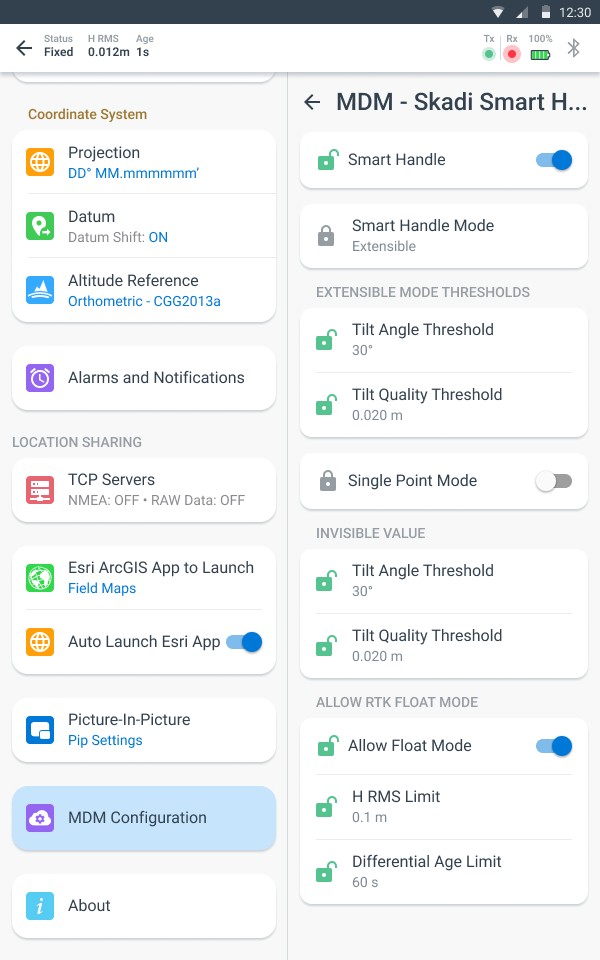
You may now configure Skadi Tilt Compensation™ and Skadi Smart Handle™ settings using the Eos Mobile Device Management (MDM) tool.
This helps standardize Skadi configurations across field devices without requiring each user to manually configure those settings.
Are you a first-time MDM user? We recommend reviewing our configuration guide here.
Android Screenshots: Location Extras for Skadi
Android Screenshots: MDM Support for Skadi Smart Handle, Skadi Tilt Compensation
🍎 Updates for iOS Users
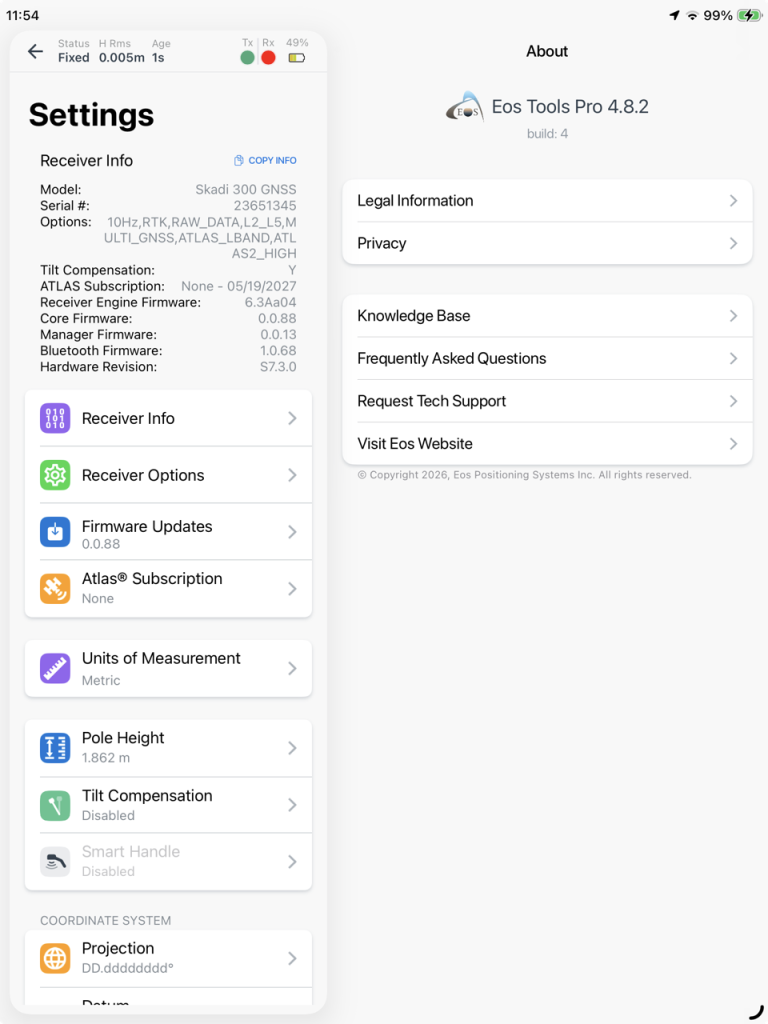
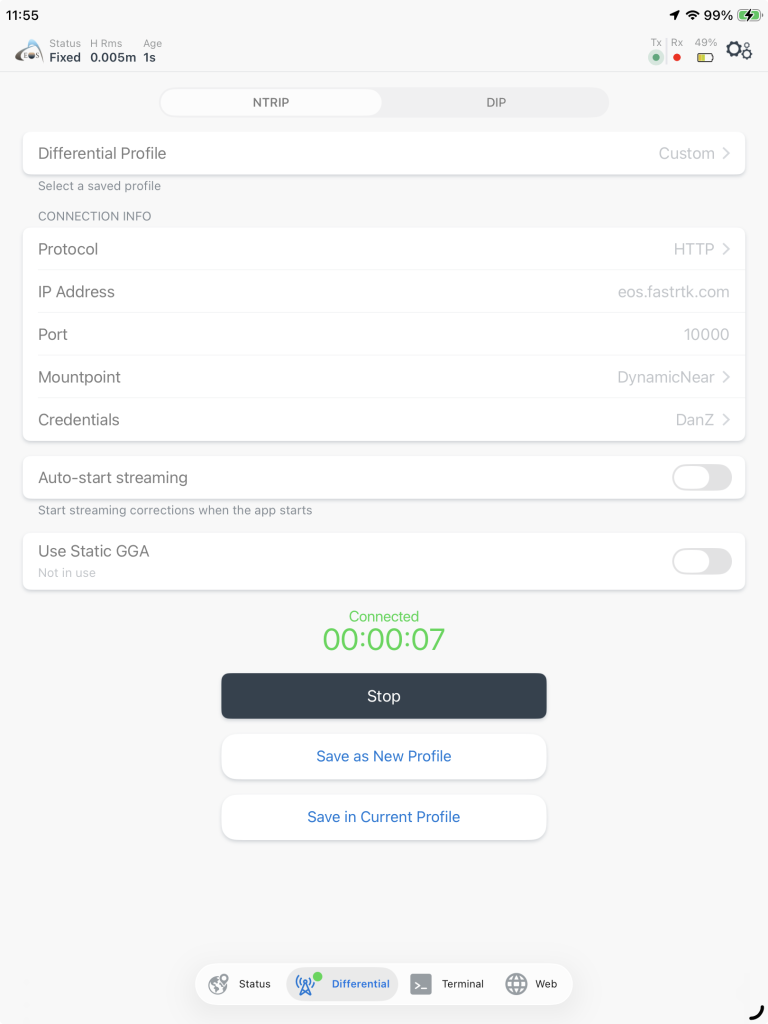
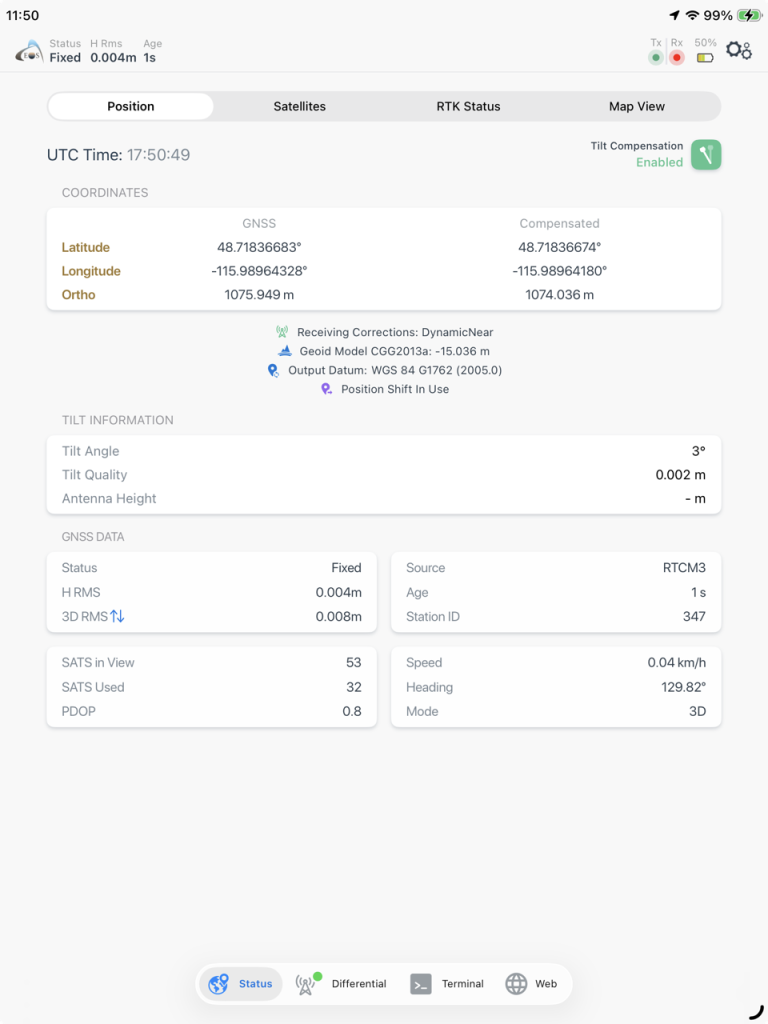
Support for iOS 26 UI/UX
ETP has been updated for full compatibility with iOS 26. The new UI and layout improvements comply with the latest iOS Liquid Glass interface requirements.
The updated UI improves usability across standard layouts, Split View, and resized application windows while maintaining consistent navigation and screen presentation throughout the app.
Support for BLE for Subsite UtiliGuard 2 Locators
ETP now supports BLE connections with newer Subsite UtiliGuard 2 underground utility locators.
This addition supports newer UtiliGuard 2 models (e.g., UtiliGuard 2 Standard, UtiliGuard 2 Advanced) that use Bluetooth Low Energy (BLE) communication rather than Bluetooth Classic with Apple iAP protocols.
iOS Screenshots: Support for iOS 26 UI/UX
General UI/UX Improvements & Bug Fixes
Finally, various improvements and stability fixes were implemented to enhance the overall user experience on both iOS and Android.
Summary of Improvements
Effective November 24, 2026:
– Time-Dependent Datum Transformation for USA and Canada
– WebSocket Communication for ArcGIS Field Maps
– Norway Geoid Model HREF2025A
– MDM Support for Skadi Tilt Compensation, Skadi Smart Handle on Android
– Location Extras for Skadi Tilt Compensation, Skadi Smart Handle on Android
– iOS: Support for iOS 26 UI/UX, including Liquid Glass
– Bluetooth Low Energy (BLE) Support for Subsite UtiliGuard 2 Locators on iOS
– General UI/UX Improvements and Bug Fixes
Explore Related Items
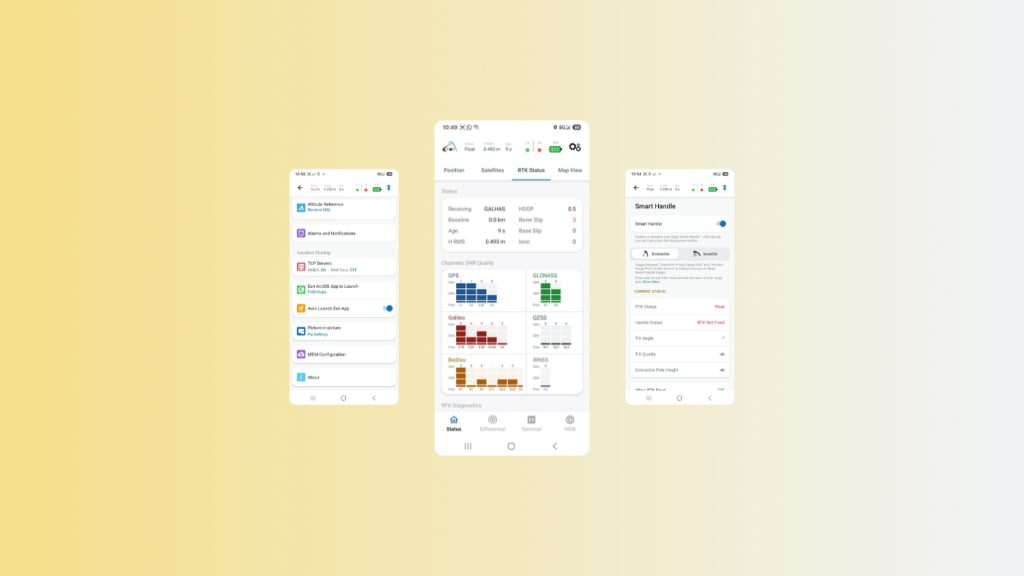
Eos Tools Pro for Android: Complete App Walkthrough
This guide walks you through every page of Eos Tools Pro on Android devices. You’ll get an overview of the app’s screens, menus, settings, and features.
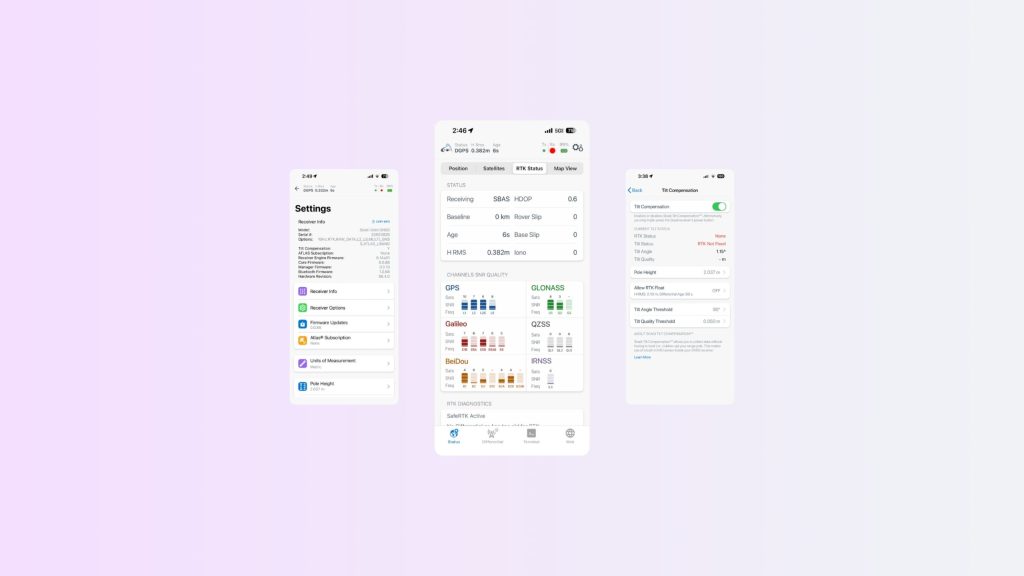
Eos Tools Pro for iOS: Complete App Walkthrough
This guide walks you through every page of Eos Tools Pro on iOS devices. You’ll get an overview of the app’s screens, menus, settings, and features.