
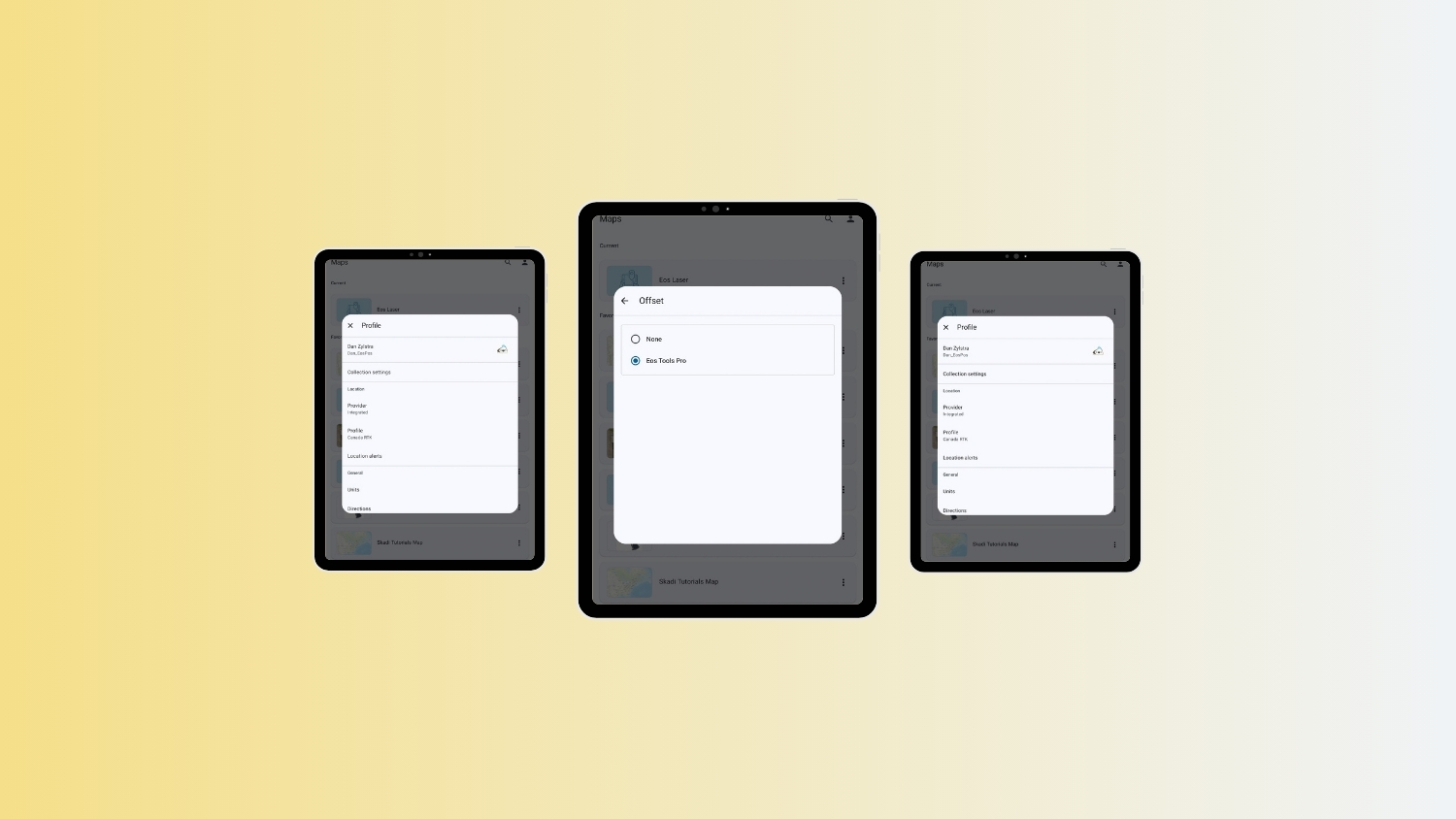
Before starting an Eos Laser Mapping™ workflow with Esri’s ArcGIS Field Maps app, you must set Eos Tools Pro as the “offset app” in ArcGIS Field Maps. This guide shows you how.
To follow along, you must have Eos Tools Pro and ArcGIS Field Maps installed on your Android device.
Follow these steps:
Explore Related Items
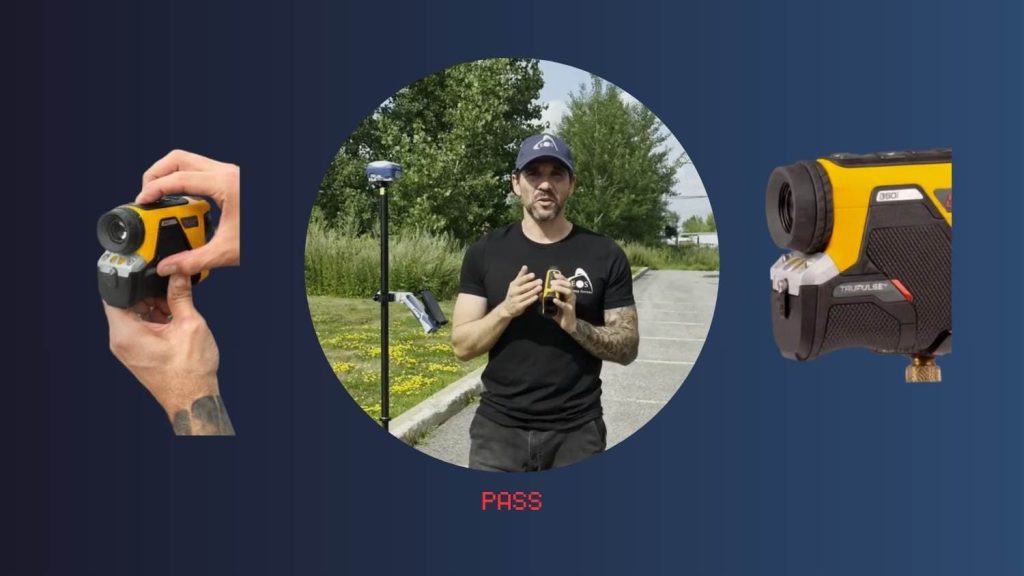
Eos Laser Mapping™: TruPulse® 360i Compass Calibration
Learn how to calibrate the TruPulse® 360i compass for use with Eos Laser Mapping™. This step-by-step video and instructions supplements LTI’s calibration guide, to ensure accurate field mapping.

Eos Python Script: Download GNSS Metadata Fields
Download the Eos Python script, which contains GNSS metadata fields we recommend you add for Eos Laser Mapping™ and orthometric heights.