
September 14, 2016
This video walks you through how to use your Arrow GNSS receiver with iOS and TerraGo Edge. You'll need your iPhone or iPad, Arrow receiver & TerraGo Edge.
September 20, 2016
This video walks you through how to use your Arrow GNSS receiver with iOS and the iCMTGIS PRO app. You'll need your Arrow receiver, iOS device & iCMTGIS PRO.
September 26, 2016
This video walks you through how to configure AmigoCloud with Arrow GNSS for data collection. You'll need your Arrow, a smartphone/tablet & AmigoCloud.
May 24, 2019
Learn why you'd want to capture high-accuracy data in Esri Collector in this short video from Esri, including sample field-data collection scenarios.
June 7, 2019
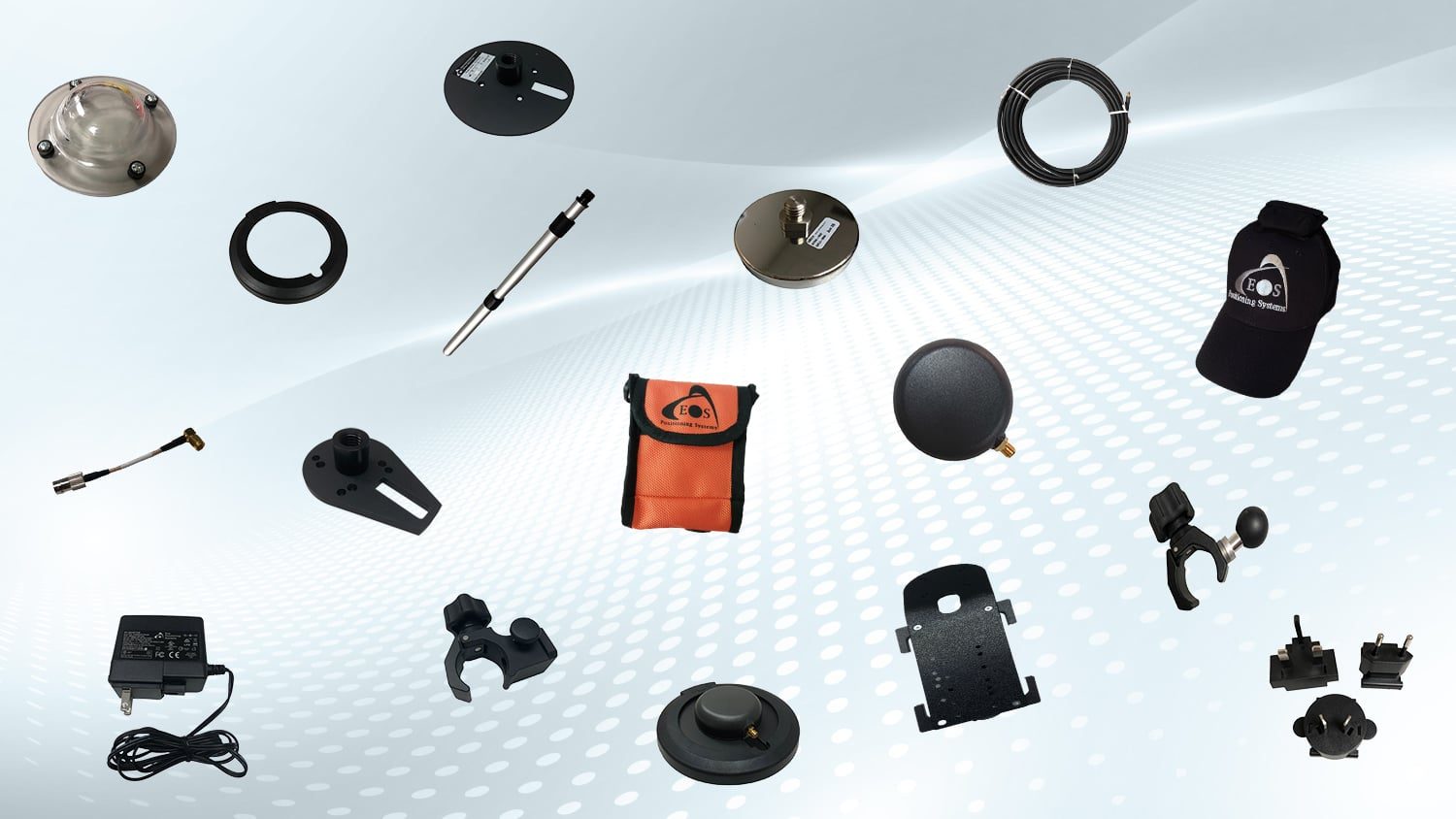
This video will walk you through all the parts that belong in your rugged field case, and how to mount your Arrow Gold GNSS receiver to a pole.
April 27, 2020
This video will show you how to create your feature layer in ArcGIS Pro with the Eos toolbox.zip file and publish your web map for laser mapping.
May 10, 2020
In this second Eos Laser Mapping video, you'll learn how to set up Collector and Eos Tools Pro for laser offsets. Set alarms, orthometric height and more!
July 3, 2020
Follow these steps to learn how to set up ArcGIS Pro with the Eos Locate™ Toolbox. This is the first video tutorial for Eos Locate (underground asset mapping)
July 7, 2020
Ready to map underground assets? In the second Eos Locate video tutorial, learn how to configure initial settings in ArcGIS Collector and Eos Tools Pro.
July 8, 2020
In the third Eos Locate video tutorial, you'll go through the steps of pairing your vLoc Locator to iOS via Bluetooth for use with underground mapping.
November 20, 2020
Michael Cousins explains OHM Advisor's best practices for evaluating field GIS technology, including software, hardware and staff training.
September 9, 2016
One question we get asked is, “How do I know if my iPad/Android is using my Bluetooth GNSS receiver or the internal iPad/Android GNSS receiver?” Here's how.